
Front Door Security
See who’s there, secure every way in, and let your home respond to every arrival.


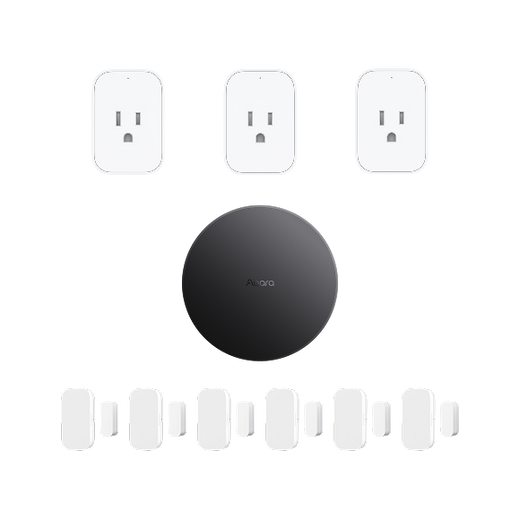
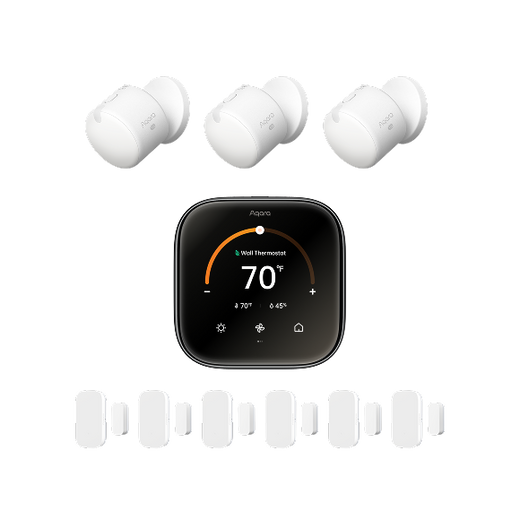
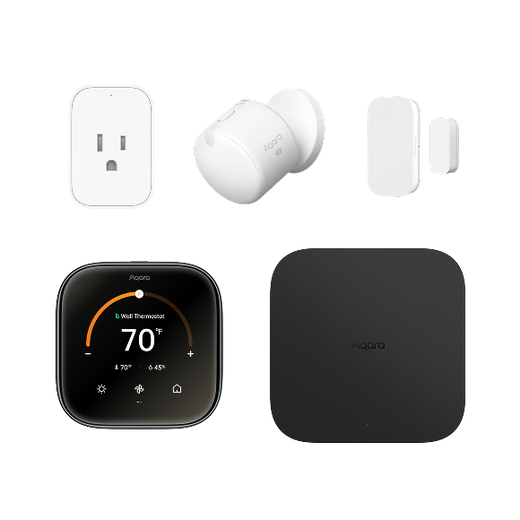

In today's world, security is super important for everyone. Whether you're trying to protect your home, office, or any other place, having a reliable security camera system is a must. And when it comes to monitoring, free IP camera software can be a real game - changer. It lets you keep an eye on your place without spending a fortune. In this article, we'll review some of the top choices out there, compare them, and also introduce you to an all - in - one solution - the Aqara ecosystem. By the end, you'll know exactly how to pick the right free software for your needs.
Imagine you're chilling in your living room, and you wanna check if your front door is secure. With free IP camera software, you can just grab your smartphone or hop on your PC and check out the live feed from your IP cameras. It's that easy! One of the main reasons to go for free IP camera software is that it's super cost - effective. You don't have to fork out a ton of cash for expensive security software licenses. This makes it a great choice for small businesses, startups, or homeowners on a tight budget.
Another cool thing is the flexibility. Most free IP camera software works with a bunch of different IP cameras. So you can pick the cameras that fit your needs best. Whether you need a camera for inside, outside, or both, the right free software can handle multiple camera setups, like customizing how you monitor, setting up motion detection alerts, scheduling recordings, and all that.
iSpy is a really popular free IP camera software with a user - friendly interface. It supports a whole bunch of IP cameras, which makes it really versatile. With iSpy, setting up motion detection is a breeze. For example, if you've got a camera in your hallway, iSpy can send you a heads - up on your phone as soon as it spots any movement. It also lets you record footage either on your PC or to a cloud storage service. And you can view the live feed from your cameras on all sorts of devices, like smartphones, tablets, and PCs.
Blue Iris is known for its powerful features. Its motion detection is top - notch, and you can adjust the sensitivity to avoid false alarms. Let's say you have a camera looking at your garden. You don't want to get alerted every time a leaf moves, right? Well, with Blue Iris, you can tweak the settings to focus only on big movements. It also supports high - resolution video, so you get clear and sharp images. Plus, in some versions, Blue Iris even has facial recognition, which is pretty cool for extra security.
ZoneMinder is an open - source free IP camera software. It's super customizable, so it's a favorite among tech - savvy people. You can mark different zones in the camera's view and set specific rules for each zone. For instance, if you have a camera in your store, you can mark the cash register area as a high - priority zone and set it to record all the time, while other areas can record only when there's motion. ZoneMinder also has a web - based interface, so you can access your camera feeds from anywhere with an internet connection.
ContaCam is a simple but effective free IP camera software. It's really easy to install and set up, making it perfect for beginners. The software focuses on basic stuff like motion detection and recording. It's lightweight, so it won't eat up a lot of your PC's resources. If you're using an older computer to manage your security cameras, ContaCam could be a great pick. It also has options to password - protect your camera feeds, adding an extra layer of security.
Security Spy is a free IP camera software with a bunch of useful features. It has a clean and easy - to - use interface. With Security Spy, you can manage a bunch of cameras from one dashboard. It even supports audio monitoring, so you can not only see what's going on but also hear if there are any suspicious sounds. For example, if you have a camera in your baby's room, you can listen in to make sure everything's okay. The software also has remote access features, so you can check on your cameras when you're away from home.
|
Software |
Pros |
Cons |
Compatible Systems |
|
iSpy |
User - friendly, supports many cameras, multi - device access |
Can be resource - intensive on older systems |
Windows, Mac, Linux |
|
Blue Iris |
Powerful motion detection, high - resolution support, facial recognition in some versions |
Paid version required for more advanced features |
Windows |
|
ZoneMinder |
Open - source, highly customizable, web - based interface |
Steeper learning curve for non - tech users |
Linux, Windows (with some effort) |
|
ContaCam |
Easy to install, lightweight, password - protection |
Limited advanced features |
Windows |
|
Security Spy |
Comprehensive features, audio monitoring, single - dashboard for multiple cameras |
Only free for up to 4 cameras |
Mac |
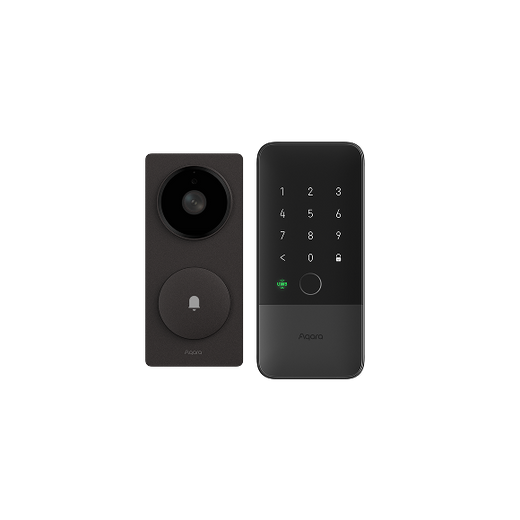
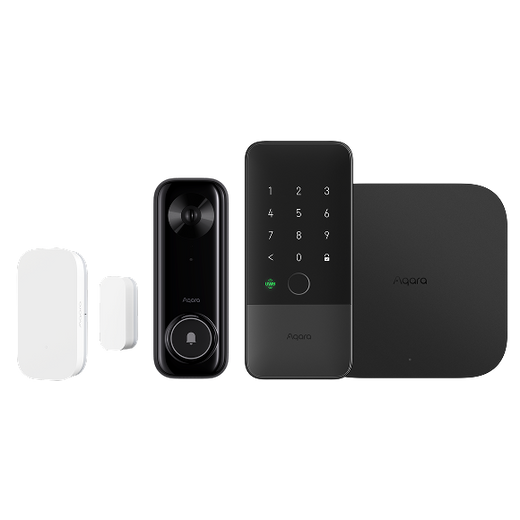
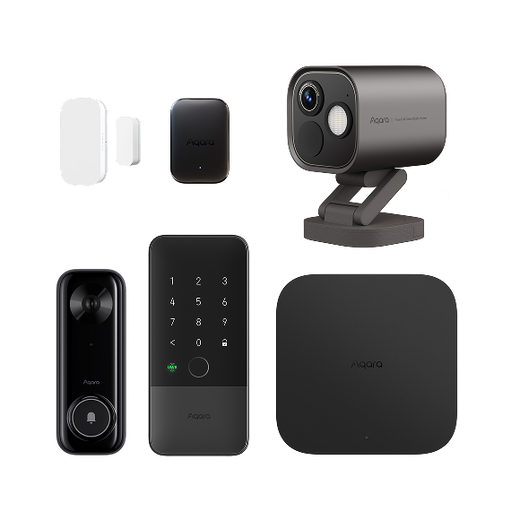
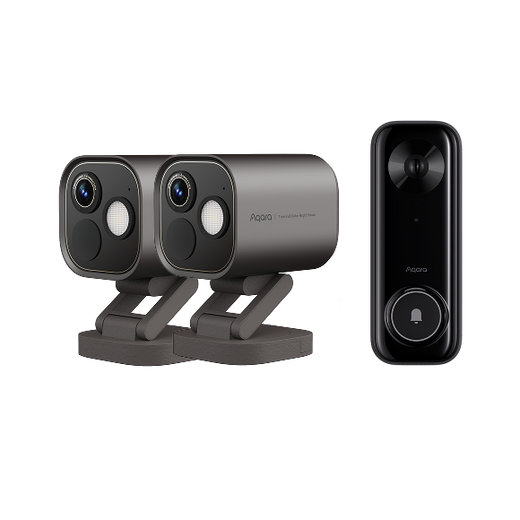
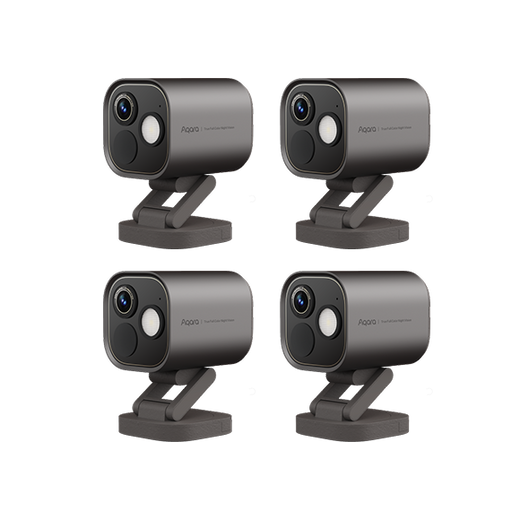
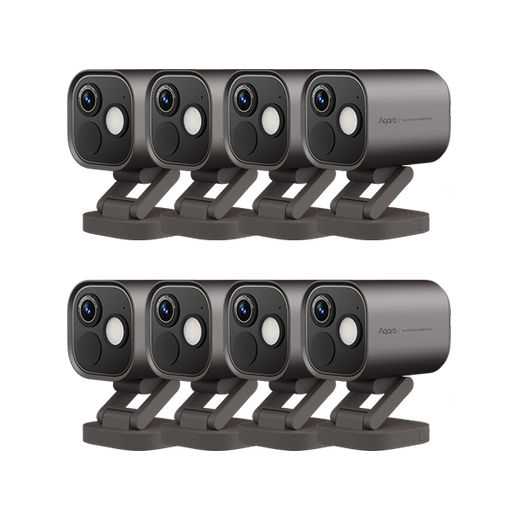
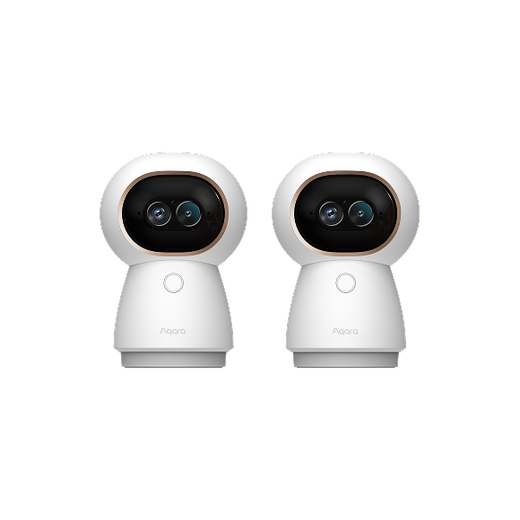
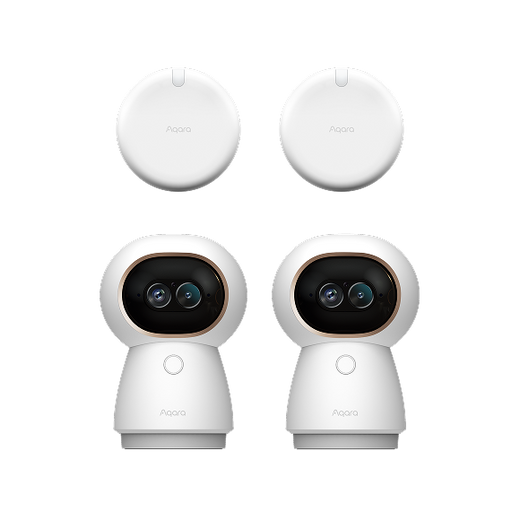
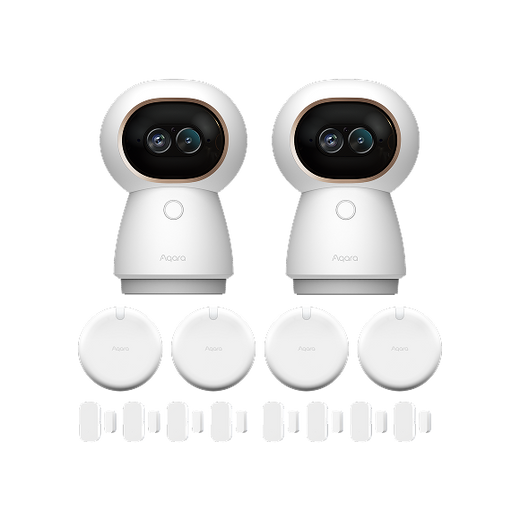
The Aqara ecosystem offers a bunch of smart cameras that work great together with their software. It gives you a complete home security solution that's easy to use and really effective.

With a built-in Zigbee 3.0 hub, G2H Pro can connect up to 128 Aqara devices, easily achieving whole-house automation.

The E1 supports robust storage capabilities, including encrypted cloud storage for Aqara Home or Apple Home, local storage using microSD cards up to 512 GB, and backup to SMB3-compatible NAS storage devices.
Additionally, it supports people detection. You can select movement events and automatically record or trigger automated actions when people are detected.

This smart doorbell is not only a useful tool for your home, but also a home gateway. It has a built-in Matter controller, functioning as a hub for Aqara Zigbee devices and virtually all Matter devices on the market—no need for extra hub. It can also act as a Thread border router, connecting Thread-based smart devices to your home network.

With its waterproof performance and excellent cost-effectiveness, it is perfect for users who want to install multiple cameras indoors and outdoors.

The Camera Hub G3 is much more than just a camera; it boasts powerful AI and interactive features, triggering intelligent scenarios by recognizing specific gestures (such as the "Victory" gesture), such as turning lights on and off or playing music, making it futuristic and fun.

It is Aqara's first outdoor camera and Zigbee/Thread hub, which can connect to Aqara and other smart devices, and can also be used as a Matter controller for easy integration into other ecosystems.
When you're picking the right free software for your IP cameras, there are a few things to think about. First, consider how many cameras you have or plan to get. Some software might have limits on the number of cameras they can support for free. If you've got a big property with lots of cameras, you'll need software that can handle that.
Second, think about what features you need. Do you want advanced motion detection, audio monitoring, or facial recognition? Based on your security needs, you can choose software that has the features you want. For example, if you're really worried about someone breaking in, you'll want software with high - sensitivity motion detection.
Third, check if the software is compatible with your cameras. Make sure the software you pick works with the brand and model of your IP cameras. Some cameras might have special requirements or protocols that the software has to support.
Finally, think about how easy the software is to use. If you're not really into tech, you'll want a software with a simple and easy - to - understand interface. But if you're more experienced, you might prefer a software that gives you more options to customize.
The installation and setup for free IP camera software can be a bit different depending on which software you choose. But generally, here are the steps.
First, download the software from the official website. Make sure you get the right version for your operating system, whether it's Windows, Mac, or Linux.
Next, install the software on your PC. Just follow the instructions on the screen during the installation. This might include accepting the terms and conditions, choosing where to install it, and all that.
After it's installed, open the software. You'll usually need to add your IP cameras to the software. This might mean entering the camera's IP address, username, and password. Some software can even automatically find the cameras on your network.
Once you've added the cameras, you can start changing the settings. This could include setting up motion detection, scheduling recordings, and adjusting the video quality.
Finally, test everything to make sure it's all working. Check the live feed from your cameras and test the motion detection alerts.
Yeah, most free IP camera software from well - known sources is safe. But it's important to download it from the official website to avoid getting malware or viruses. And make sure to keep the software updated. Software updates often fix any security problems.
Most free IP camera software works with a lot of different IP cameras. But some cameras might have special requirements or protocols that the software has to support. Before you choose a software, check the compatibility list on the software's website or the camera's manual to make sure they work together.
The number of cameras you can connect for free depends on the software. For example, Security Spy is free for up to 4 cameras, while iSpy usually doesn't have a strict limit, but it might slow down older systems if you have a lot of cameras. It's best to check the software's official website for the exact details.
Free IP camera software is a great, cost - effective, and flexible way to monitor your home or office. Whether you go for one of the top - reviewed software like iSpy, Blue Iris, ZoneMinder, ContaCam, or Security Spy, or you check out the all - in - one Aqara ecosystem, there's an option for you. By knowing what you need, thinking about the features, compatibility, and how easy it is to use, you can make a smart decision. Remember to follow the installation and setup guide carefully, and if you have any questions, look at the frequently asked questions section. With the right free IP camera software, you can make your property more secure and have peace of mind.


