
Front Door Security
See who’s there, secure every way in, and let your home respond to every arrival.


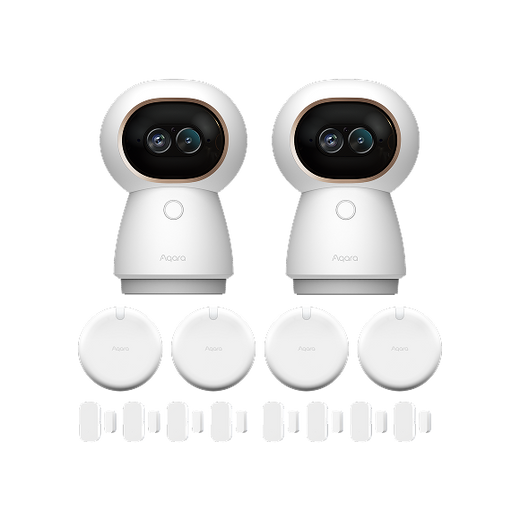
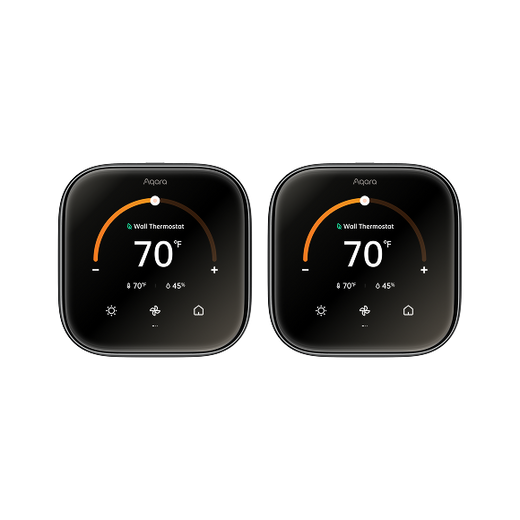
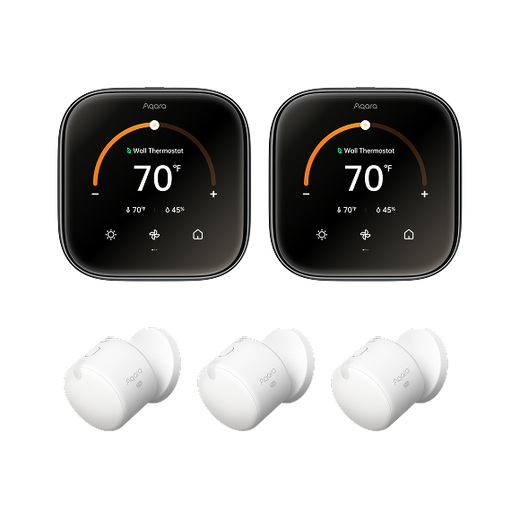
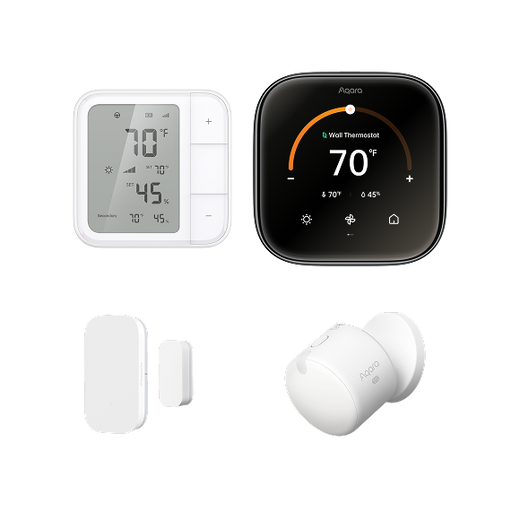
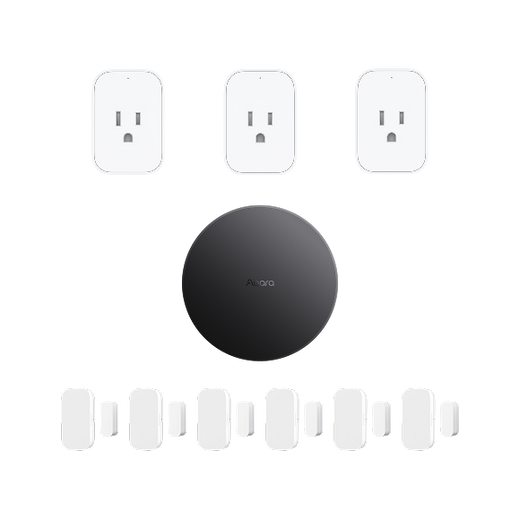
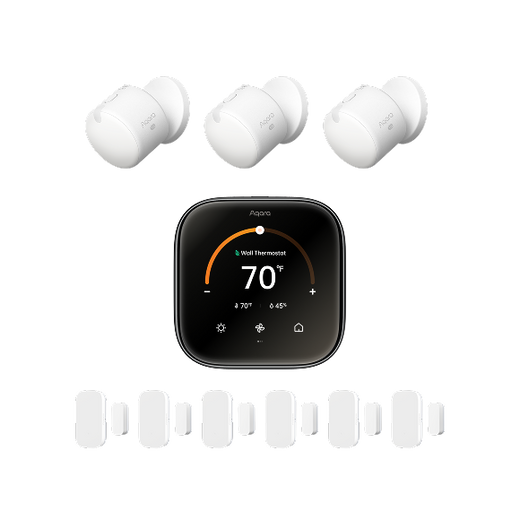
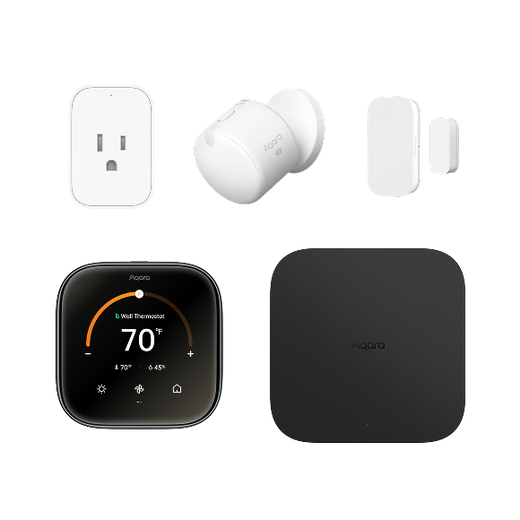

We all love the idea of a home where lights, locks, and gadgets work together perfectly. But let's be honest - getting different smart devices to actually cooperate can feel like herding cats. One brand's bulbs won't talk to another's thermostat, and suddenly you're juggling six different apps just to turn off the lights.
That's where a good smart home hub comes in. Think of it as the ultimate team captain for all your devices - it gets everyone playing nice together. Want your lights to dim when you start a movie? Or your door to unlock automatically when you pull into the driveway? A proper hub makes this magic happen with just a tap or voice command.
In this guide, we'll cut through the tech jargon and show you how to pick a hub that actually works with your stuff. We'll also look at why Aqara's hubs stand out for keeping things simple and reliable - no computer science degree required.
A smart home hub acts as the central brain in your connected home. Imagine trying to direct an orchestra; the hub ensures every smart device stays in sync, even if they speak different “languages” (protocols). It links devices like smart bulbs, sensors, cameras, door locks, and more—letting you control them via one app or voice assistant.
Without a hub, you’re stuck opening five different apps just to turn off lights and adjust the AC. With a hub? One tap (or voice command) does it all.
Let’s check several scenes in real life:
1. No More "Did I Lock the Door?" Panic
Your hub can check locks, arm alarms, and even turn on lights randomly when you’re away to scare off burglars. Get instant phone alerts if a window breaks or motion is detected.
2. Stop Wasting Money on Energy Bills
Lights and AC will automatically turn off when no one’s home. Smart plugs cut power to energy-hogging devices (looking at you, gaming PC).
3. Family Harmony Mode
Kids’ bedtime? The hub dims lights, lowers volume on the TV, and locks doors at 9 PM. Family members can set their own "scenes"—like "Yoga Mode" (soft lighting, calming music) without messing with your settings.
Today’s top hubs, such as Aqara’s Smart Hub M3, connect to products across multiple ecosystems including Apple HomeKit, Google Home, Amazon Alexa, Samsung SmartThings, etc. This compatibility turns your smartphone or voice into a super-remote for your entire house.
Maybe you already control your smart bulbs or plugs with a phone app, so why bother with a home automation hub? Here’s the reality: As you add more devices, things can get messy. Apps multiply. Automations get clunky. Not all brands work together out of the box.
A home control hub ties everything together, letting you automate chores, scenes, or routines—like having your hallway lights turn on when the front door unlocks, no matter who the manufacturer is. In short, a smart hub brings reliability, advanced automation, and peace of mind.
Before you pick the “best smart home hub,” compare these five essential features. Making a well-informed choice today can save hours of frustration tomorrow.
 Picture this: You invest in smart motion sensors from brand A, light switches from brand B, and a camera from brand C. Will they all work together? Only if your home automation hub bridges them.
Aqara hubs shine here. Supporting a wide range of protocols—including Zigbee, Wi-Fi, Bluetooth, and the new Matter standard—they unite devices across brands for hassle-free automation.
The Aqara Smart Hub M3 and Smart Hub M2 stand out for their robust compatibility. They integrate smoothly with major ecosystems like Apple Home, Google Home, Amazon Alexa, and SmartThings. This means you can choose the gadgets you love, not just those from one brand.
Aqara M2 vs M3: Quick Comparison
The M2 is like the reliable older model—it gets the job done for basic smart homes with Zigbee protocol. The M3 is the newer, upgraded version with some nice extras. Let’s take a look real quick.
Pick the M2 if: You just need a simple hub for basic smart home stuff.
Go for the M3 if: You want the latest tech and plan to add more devices over time.
Pro Tip: Before buying, make a list of your current and planned devices. Confirm your chosen hub supports them natively or through integrations like Matter or Zigbee.

The way a hub “talks” to your devices matters. Some rely on Wi-Fi, while others use Zigbee, Z-Wave, Bluetooth, or the newer Matter protocol.
Solid hubs support multiple methods, ensuring flexibility and reliability. If you’re planning a large-scale setup or expect to expand, this is your safety net.
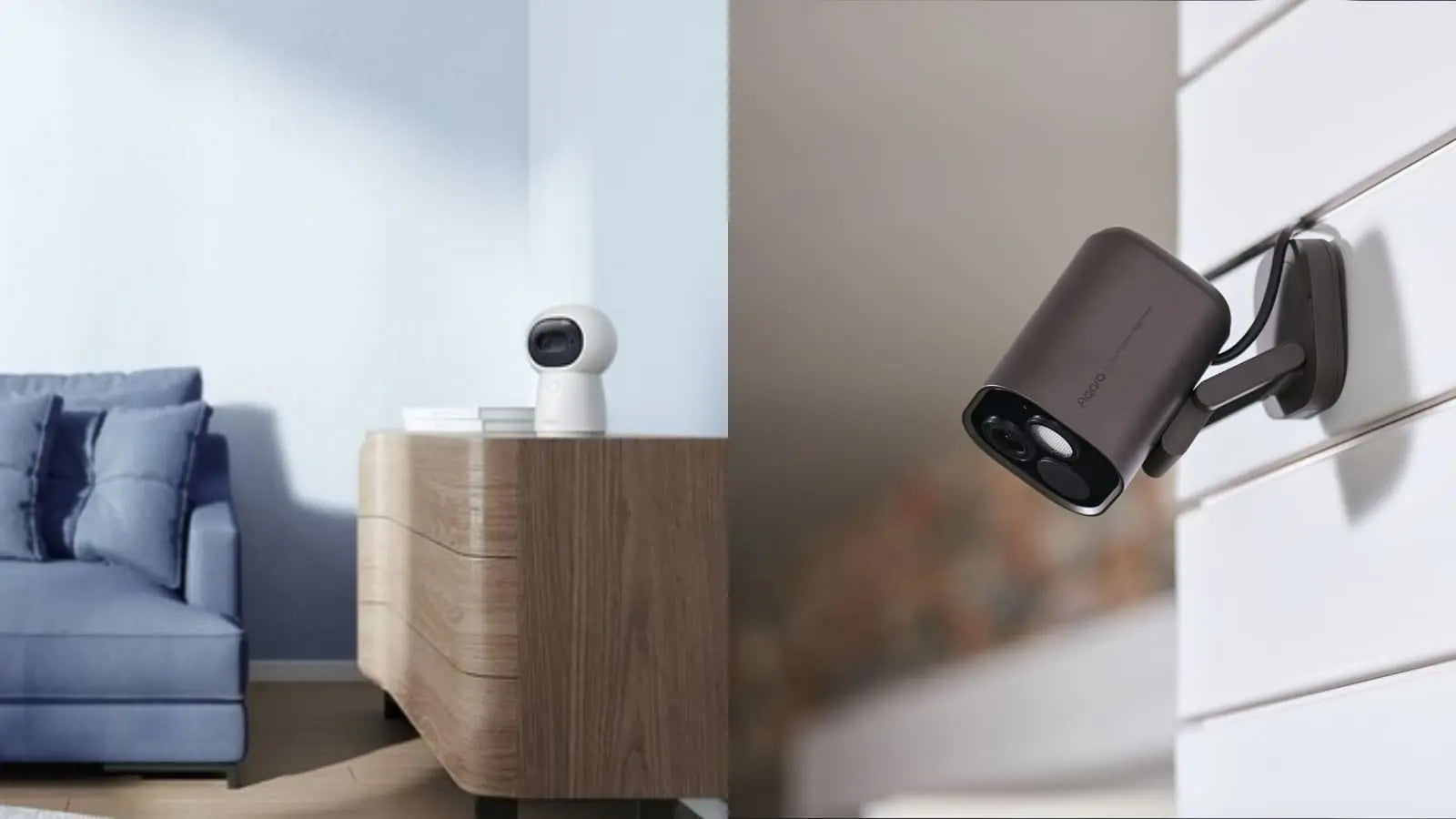
You’re handing the keys of your home—literally and digitally—to your smart home platform. So, security is non-negotiable. Look for hubs that:
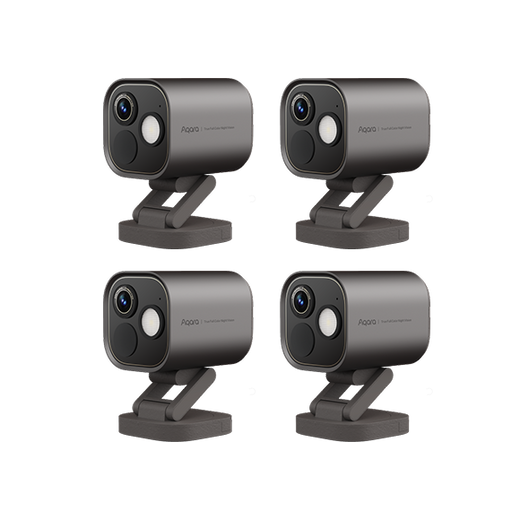
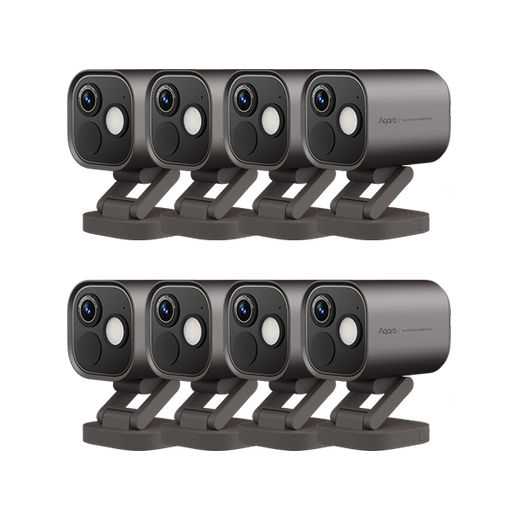
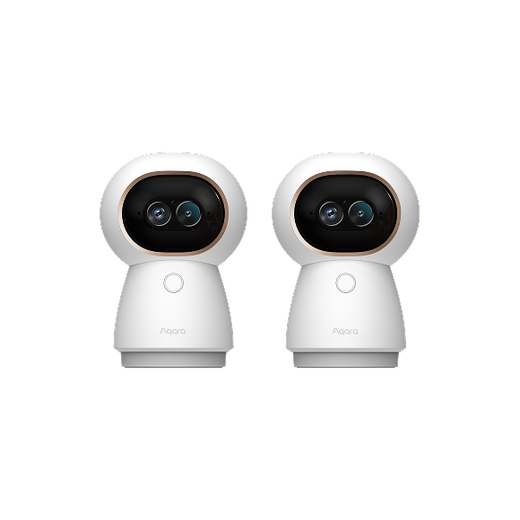
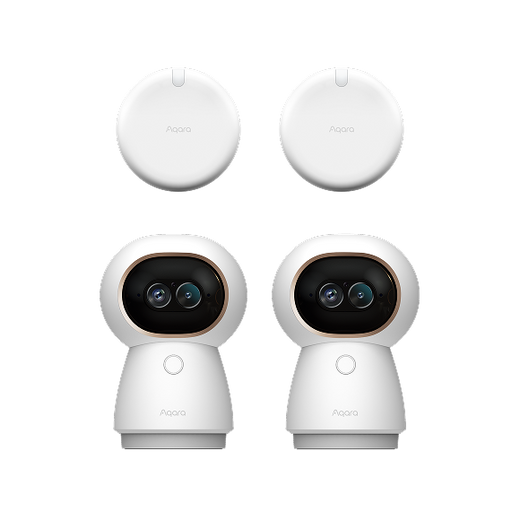
Aqara’s range, including Camera Hub G3 and Camera Hub G5 Pro, adds an extra layer: surveillance cameras with AI-driven alerts, you can set up your own alert system and know what’s happening at home even when you’re away. Besides, these two cameras also can be your home hub, perfectly for creating your own home security system.

Why settle for mere control when you can automate? Imagine:
A powerful hub lets you create routines, scenes, and advanced automations that weave your devices together. Aqara smart home hubs empower you with both user-friendly preset scenes and flexible, customizable automations—no coding experience required.
Want the house to lock itself and turn off all lights as you leave for work? With the Aqara app or your voice assistant, you can make that your daily norm.
Not everyone wants to spend a weekend configuring their smart home. Your smart home hub should offer:
With Aqara’s hubs, the setup is refreshingly simple—even for first-timers. The app walks you through connecting each device, creating scenes, and linking up with voice assistants. And when you want to add new gadgets, just a few taps gets you sorted.
Yes, the best smart home hubs offer local processing for many automations. For example, the Aqara Smart Hub M3 continues managing routines and device triggers even when your Wi-Fi is down. Cloud-dependent features, like remote monitoring, may be limited during outages.
Most modern hubs, especially Zigbee or Matter-based models like the Aqara Hub M2, support dozens or even hundreds of devices. It varies by brand and technology. If you plan on scaling up, check the product specs—Aqara hubs are built for growing smart homes.
Absolutely—Matter aims to solve smart home compatibility headaches. A Matter-enabled hub, such as the Aqara Smart Hub M3, ensures your choices remain flexible as new devices and brands enter the market. If future-proofing is your top priority, make Matter support a must-have.
Your smart home dreams shouldn’t be limited by clunky setups or device incompatibility. Whether you’re a tech whiz or just diving into automation for the first time, choosing a smart home hub like those from Aqara will make your life easier, safer, and more connected.
Picture your morning: Your smart blinds open at sunrise. The coffee machine starts brewing as your alarm fades. Cameras keep an eye out while you commute—everything runs in the background, just as you like it.
Ready to elevate your home with a single smart home platform that’s future-ready? Explore Aqara’s acclaimed lineup, including the M3 Smart Hub, M2 Smart Hub, the 2K Security Camera Hub G3, and Camera Hub G5 Pro. You’ll gain total control—and finally experience the true magic of home automation.


