Front Door Security
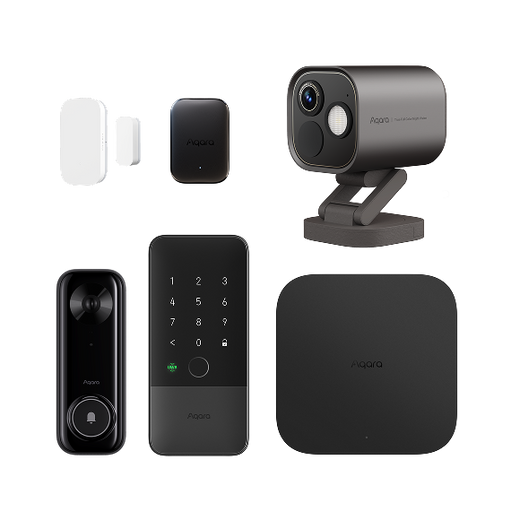
See who’s there, secure every way in, and let your home respond to every arrival.

See who’s there, secure every way in, and let your home respond to every arrival.
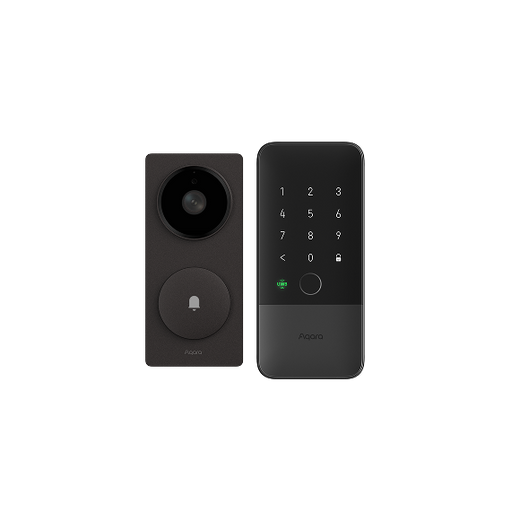
See visitors, get alerts, and unlock without keys.

Monitor visitors and entry points with smart automations.

Protect every entrance and the areas beyond your front door.


Keep watch over the outdoor spaces that matter, with clear views, smarter alerts, and coverage where it matters most.
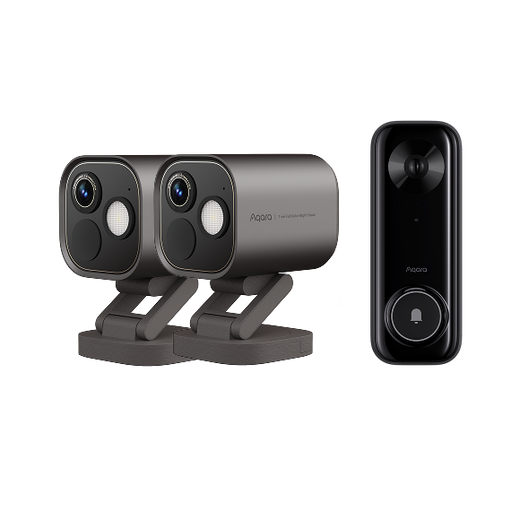
See your front door and key outdoor areas anytime.

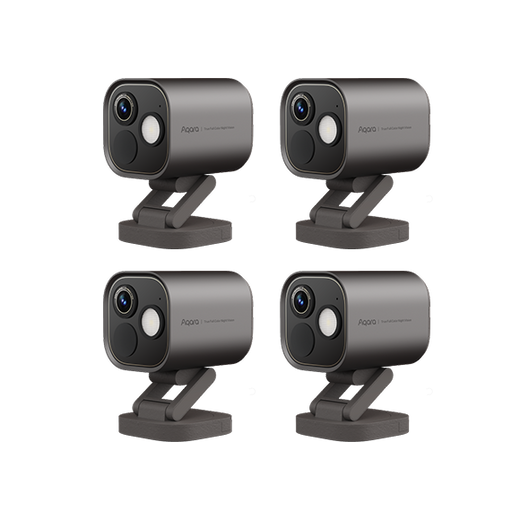
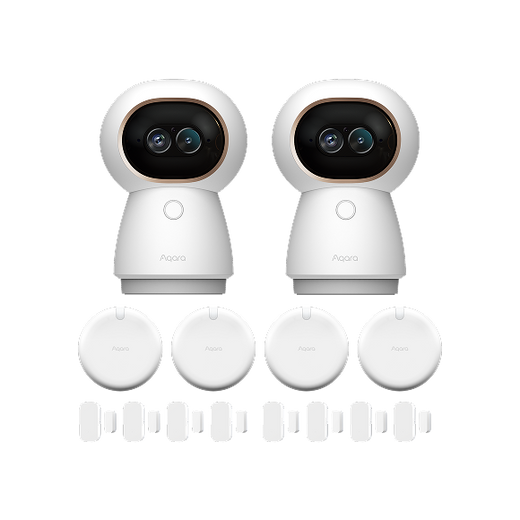
Cover every side of your home with fewer blind spots.

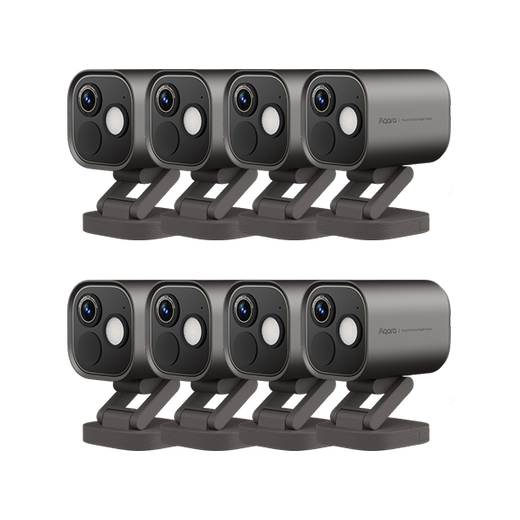
Extend connected camera coverage across larger outdoor areas.


Stay connected to the people and pets you care about, with indoor awareness that balances visibility and privacy.
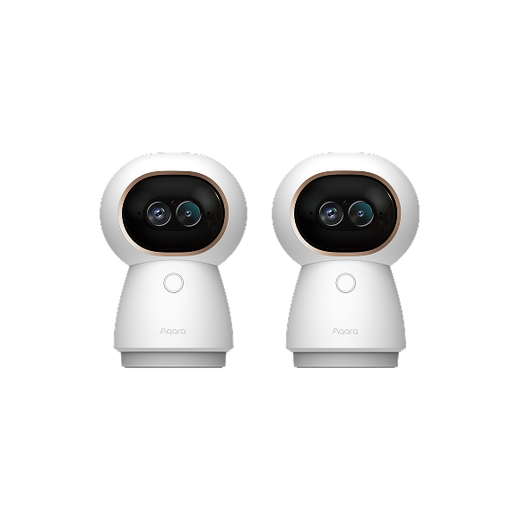
Check in on family or pets across two rooms.

Stay aware indoors without putting cameras everywhere.

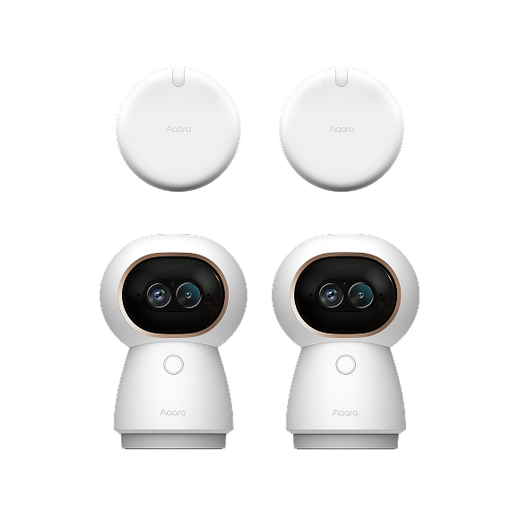
Monitor shared spaces, private rooms, and entry points.


Control comfort from anywhere and let each room adjust to how it’s actually being used.
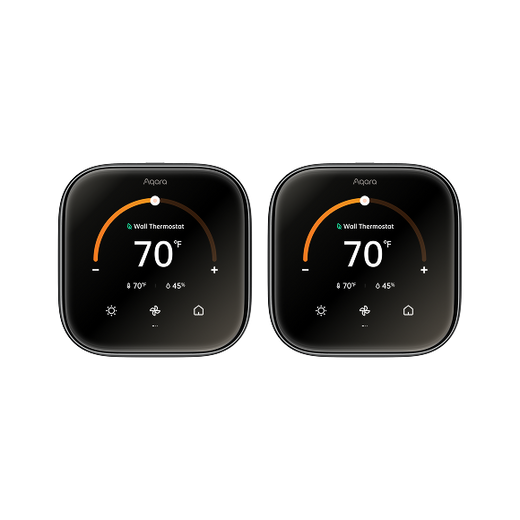
Control your home’s temperature from anywhere.

Keep occupied rooms comfortable and empty rooms efficient.

Automate comfort for every room based on real-time conditions.


Reduce everyday energy waste by matching power and climate to when—and where—they’re actually needed.
Automate devices to reduce everyday energy waste.

Save energy with occupancy-based climate control.

Coordinate climate and devices for whole-home energy savings.


See who’s there, secure every way in, and let your home respond to every arrival.
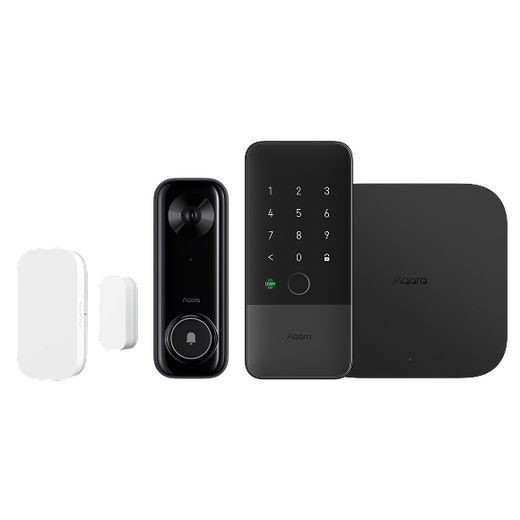
See visitors, get alerts, and unlock without keys.

Monitor visitors and entry points with smart automations.

Protect every entrance and the areas beyond your front door.


Keep watch over the outdoor spaces that matter, with clear views, smarter alerts, and coverage where it matters most.
See your front door and key outdoor areas anytime.

Cover every side of your home with fewer blind spots.

Extend connected camera coverage across larger outdoor areas.


Stay connected to the people and pets you care about, with indoor awareness that balances visibility and privacy.
Check in on family or pets across two rooms.

Stay aware indoors without putting cameras everywhere.

Monitor shared spaces, private rooms, and entry points.


Control comfort from anywhere and let each room adjust to how it’s actually being used.
Control your home’s temperature from anywhere.

Keep occupied rooms comfortable and empty rooms efficient.

Automate comfort for every room based on real-time conditions.


Reduce everyday energy waste by matching power and climate to when—and where—they’re actually needed.
Automate devices to reduce everyday energy waste.

Save energy with occupancy-based climate control.

Coordinate climate and devices for whole-home energy savings.

In the rapidly evolving landscape of technology, the concept of a “smart home” has gained prominence. A smart home employs interconnected devices and systems to enhance convenience, security, and energy efficiency. This article delves into the fundamental aspects that define what a smart home truly is in today’s digital age.

A smart home is a technologically advanced living space where various devices and systems are interconnected to enhance convenience, efficiency, and security. These devices, such as smart thermostats, lighting, cameras, and appliances, can be remotely controlled and automated through a central hub, often accessible via smartphones or tablets.
The integration of voice commands and sensors further streamlines daily tasks and provides real-time monitoring. By intelligently adapting to residents’ preferences and schedules, smart homes create a seamless, personalized environment that optimizes energy usage, augments security measures, and offers an unprecedented level of convenience and control.
Smart home devices often come with energy-saving features. For example, smart thermostats can learn your preferences and adjust the temperature accordingly, leading to more efficient energy usage. Similarly, smart lighting systems can automatically turn off lights in unoccupied rooms, reducing electricity consumption.
Smart homes allow you to automate various tasks and routines, making your life more convenient. You can control lighting, thermostats, security cameras, and more with just a few taps on your smartphone or through voice commands. This automation can save you time and effort in managing everyday tasks.
Smart home security systems offer advanced features such as remote monitoring, motion detection, and real-time alerts. You can keep an eye on your home from anywhere, receive notifications about suspicious activities, and even control access to your property through smart locks and security cameras. Learn how to create your own DIY smart home security system.
Smart homes allow you to tailor your living environment to your preferences. You can set up personalized lighting scenes, adjust the ambiance of a room, and create schedules that align with your daily routines. This level of customization enhances your overall living experience.
A smart home comprises several key components that seamlessly integrate technology to enhance convenience, efficiency, and security. These include the following:
What are smart home devices? These devices connect to a central hub through communication protocols like Wi-Fi, including:
These may incorporate devices such as:
These components work harmoniously to create a technologically advanced living space, offering unprecedented levels of convenience, personalization, efficiency, and security.
When you are trying to figure out how to make a smart home, you’ll require a range of cutting-edge equipment. Smart devices like thermostats, lighting systems, and speakers serve as the foundation. Security components such as cameras, sensors, and doorbell cameras bolster safety. Energy management tools, including smart plugs and switches, contribute to efficiency. A central hub or controller acts as the nerve center, orchestrating seamless communication among devices.
These elements integrate via Wi-Fi or other protocols, offering remote control and automation. Your smart home’s strength lies in this cohesive ensemble, fostering convenience, security, and energy savings, all accessible through your smartphone or tablet. Learning how to make your home a smart home is a great way to have control over your home and keep your family safe.
A smart home opens a realm of clever possibilities. You can adjust lighting and climate remotely for comfort and energy savings. Homeowners can also set routines for seamless mornings and tranquil evenings. With smart cameras and sensors, you can easily monitor your property and receive instant alerts when something happens.
Utilizing voice commands automates a variety of tasks, including playing music and setting reminders. You can bolster security by integrating doorbell cameras and smart locks while managing energy usage intelligently through smart appliances and plugs. The interconnected nature of a central hub in your smart home provides unmatched convenience, energy efficiency, and personalized living. This array of innovative capabilities enhances your lifestyle significantly.
The cost of setting up a smart home can vary widely based on factors like the scope of automation, desired devices, and brand preferences. Basic setups might include smart plugs, bulbs, and a hub, starting around $200-$300. More comprehensive systems with advanced security, climate control, and entertainment solutions can range from $1,000 to several thousand dollars.
Factors such as installation fees, ongoing subscription costs, and potential integration complexities can further impact the overall expenditure. It’s essential to outline your priorities and create a budget tailored to your needs, ensuring a seamless transition to the world of smart living.
Aqara smart home devices, renowned for their innovation and quality, are conveniently available through various reputable retailers. Amazon, a global online marketplace, offers an extensive range of Aqara products, making shopping easily accessible for customers worldwide. Newegg, another well-established online platform, provides tech enthusiasts with a selection of Aqara devices, catering to those seeking cutting-edge solutions. Find out where you can buy Aqara products in your market.
For those who prefer in-store experiences, Home Depot, a leading home improvement retailer, stocks Aqara devices, combining convenience with the advantage of personal interaction. Additionally, Adorama, a trusted name in electronics, offers Aqara smart home products, providing customers with a diverse array of choices for their tech needs.
Whether you’re an online shopper looking for variety, an in-person shopper valuing tangible experiences, or someone seeking top-notch electronics, these retailers ensure Aqara’s smart home devices are easily accessible, granting you the means to enhance your living space with advanced technology. Learning how to integrate smart home devices can be tedious. Once you have all of the necessary devices, you can hire a technician to help with installation.
Free Shipping
Complimentary delivery on eligible orders.
Easy Returns
30 days to make sure it's the right fit.
Worry-Free Coverage
Protected by a one-year limited warranty.
Here to Help
Expert support before and after purchase.
Aqara Store Membership: Earn, Save, Unlock.
Earn points with every order. Redeem rewards when you want.
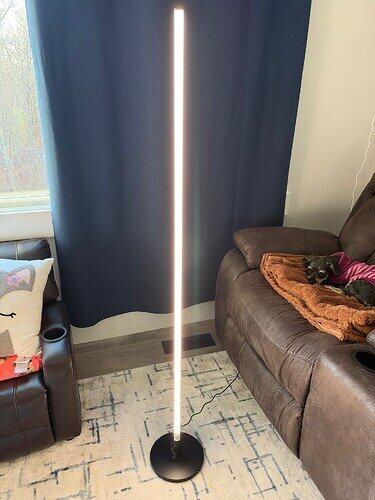
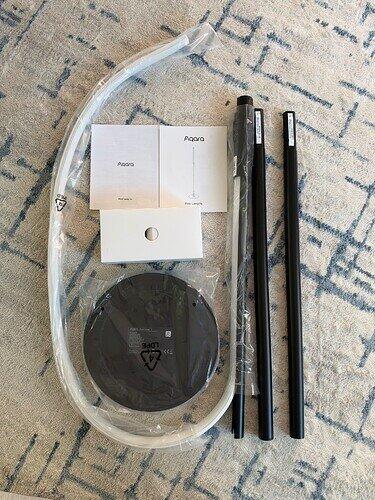
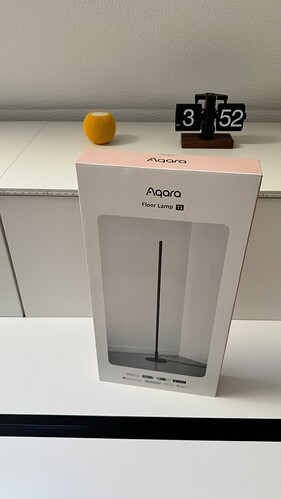
The lamp arrives in nice, simple packaging with items packed efficiently and clear instructions.
Assembly is generally straightforward, though the base requires a bit more force than expected to pop in snugly. One minor annoyance during setup involved the stickers covering the screw access points on the rods. They were difficult to remove and felt unnecessary.
Additionally, the material of the light strip tends to attract dog hair easily. Hasn’t been an issue since it was placed in it’s spot.
Connecting the lamp via Matter over Thread was a piece of cake. It offered instant recognition and pairing in both the Aqara app and Apple Home. Once connected, Apple Home immediately suggested enabling Adaptive Lighting by default. While the power adapter works fine, a standard USB C connection would have been a better choice.
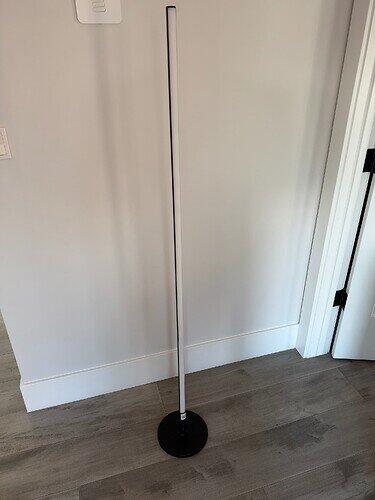
During the day, the lamp provides a nearly uniform white color pattern that complements rooms with heavy sunlight exposure.
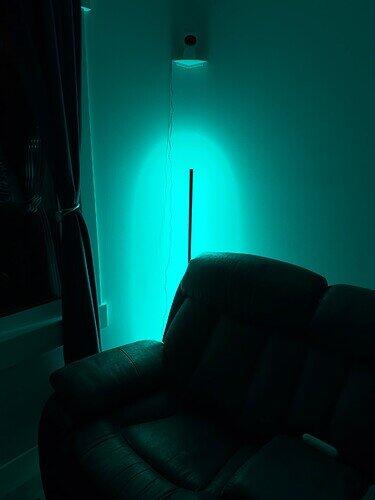
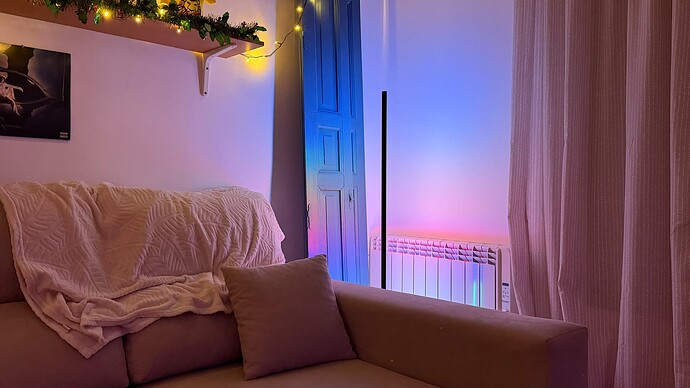
At night, the light diffuses beautifully when pointed toward a corner wall.
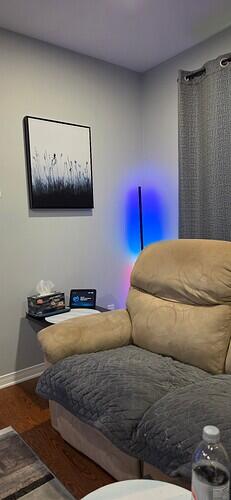
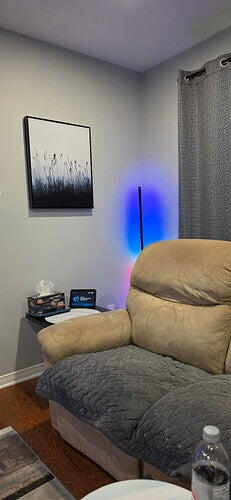
I had an empty, dark corner in my living room where I wanted to put a lamp. There wasn’t much space, and none of the lamps I’d tried fit. But the T1 fits perfectly and gives the corner exactly the kind of indirect light I wanted.
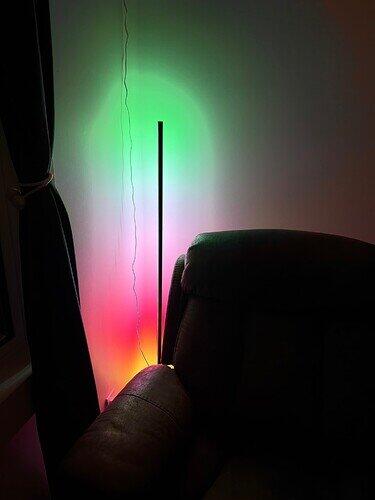
This is my first ever smart floor lamp and I’m baffled as to why I didn’t try it out earlier. It arrived well packaged. Instructions are very clear and assembly so easy a child could do it. Fitment of the white cover on the LEDs is precise and tight. The base is wide and sturdy but not overly big. The app discovered the new device right away. The color spectrum is vast and the brightness is incredible, I was worried it wouldn’t reflect too well against the wall. We originally planned to install it behind our sofa in the basement gaming room but our basement recently flooded due to a heavy rainstorm. Instead, we placed it in our main living room until the renovations are complete. My wife chose a preser effect to her liking and had to dim the brightness to 30% for use at night. Like I mentioned, it is bright but I’d rather have a high output of light vs not enough. At the moment, we got it scheduled to turn on after sunset and turn off a few minutes after midnight. I need to purchase an Aqara wireless mini switch to act as a manual off and on without voice or app. Adding this lamp has upped my number of Aqara devices to 29 (lots of water sensors). Which encouraged me to purchase another hub during early bkack Friday to help split the devices. Some our water sensors in the basement would periodically go offline due to distance limitations, but no anymore
Overall, this was a great purchase. We’re thinking about grabbing a 2nd one before Christmas to install in our son’s bedroom.
Stunning night effect, but check hub compatibility and lighting modes before buying
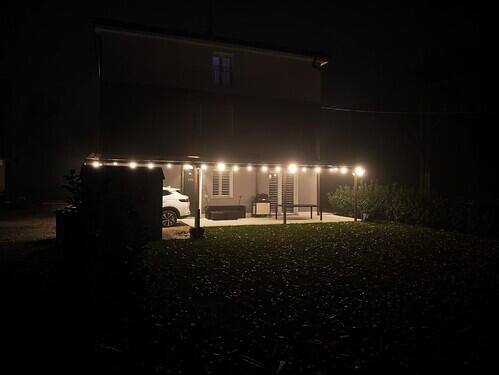
I recently tested the Govee Outdoor String Lights H1 and, visually, they are gorgeous. The lighting effect at night is truly stunning, as you can see in the photos. However, there are a couple of important things potential buyers should know before purchasing:
Limited Hub Compatibility: These lights are not compatible with all hubs. Personally, I own a Camera Hub G3, which cannot control them. Because of this, I had to buy one of the few currently compatible hubs separately. Make sure to read the product description carefully to ensure your setup is supported before ordering.
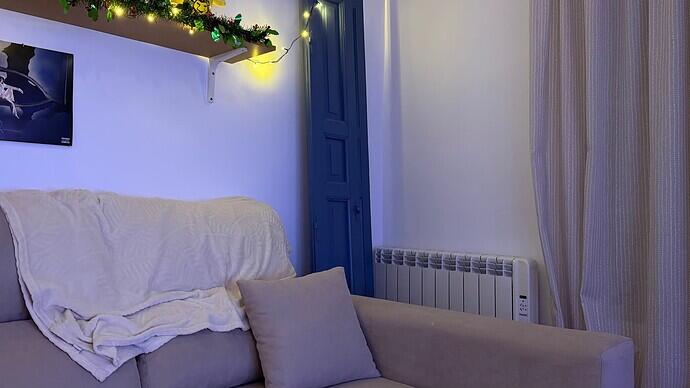
No Dynamic Effects for Pure White Light: When setting up dynamic scenes and lighting patterns, you cannot use the pure white light mode (the one with adjustable color temperature from 2000K to 9000K). Dynamic effects are strictly limited to the RGB LEDs. This means I can’t apply any dynamic animations to the specific shade of white shown in my photo below, which is a real shame, also because RBG mode has much lower intesity also in white/yellow colors
I had an empty, dark corner in my living room where I wanted to put a lamp. There wasn’t much space, and none of the lamps I’d tried fit. But the T1 fits perfectly and gives the corner exactly the kind of indirect light I wanted.
This is my first ever smart floor lamp and I’m baffled as to why I didn’t try it out earlier. It arrived well packaged. Instructions are very clear and assembly so easy a child could do it. Fitment of the white cover on the LEDs is precise and tight. The base is wide and sturdy but not overly big. The app discovered the new device right away. The color spectrum is vast and the brightness is incredible, I was worried it wouldn’t reflect too well against the wall. We originally planned to install it behind our sofa in the basement gaming room but our basement recently flooded due to a heavy rainstorm. Instead, we placed it in our main living room until the renovations are complete. My wife chose a preser effect to her liking and had to dim the brightness to 30% for use at night. Like I mentioned, it is bright but I’d rather have a high output of light vs not enough. At the moment, we got it scheduled to turn on after sunset and turn off a few minutes after midnight. I need to purchase an Aqara wireless mini switch to act as a manual off and on without voice or app. Adding this lamp has upped my number of Aqara devices to 29 (lots of water sensors). Which encouraged me to purchase another hub during early bkack Friday to help split the devices. Some our water sensors in the basement would periodically go offline due to distance limitations, but no anymore
Overall, this was a great purchase. We’re thinking about grabbing a 2nd one before Christmas to install in our son’s bedroom.
I have four Hue floor lamps in my bedroom and was eager to try Aqara, as the rest of my Aqara products are wonderful.
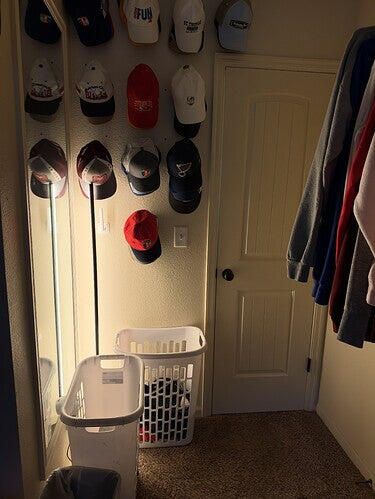
My use case was to place it in our master closet. While likely not a typical use case, we had been wanting some non overhead lighting in there. We placed it in a corner and it provides a nice soft light that comes on at sundown. It’s perfect for the evening trips as we prepare for bed.
Overall, it’s a more than adequate rival to the Hue lamps I have.
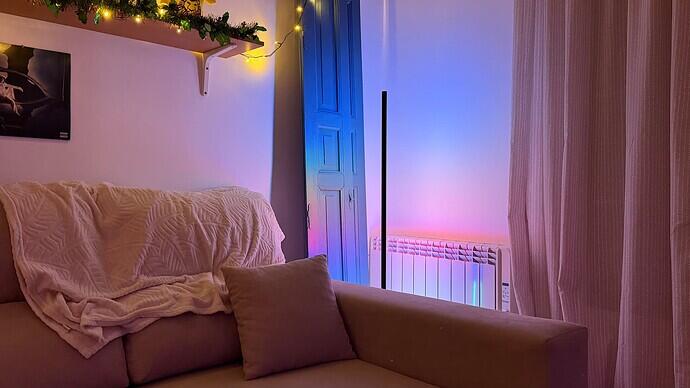
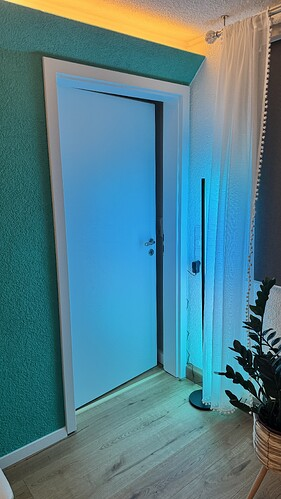
The Aqara Floor Lamp T1 is lighting mostly every evening, together with the other ambient lights. It’s lightning with a blue effect, if the bright lights are on,… and if the lights are dimmed (for a movie night) only some segments light up, in orange. (Maybe I upload a video later for you guys.)
What’s also really cool, is the music sync. It works really well, especially if you have a strong subwoofer, so your floor vibrates. This way, the Floor Lamp can literally feel the music, and make some cool effects. (I’ll add a video here too.)