Front Door Security
See who’s there, secure every way in, and let your home respond to every arrival.


See who’s there, secure every way in, and let your home respond to every arrival.
See visitors, get alerts, and unlock without keys.
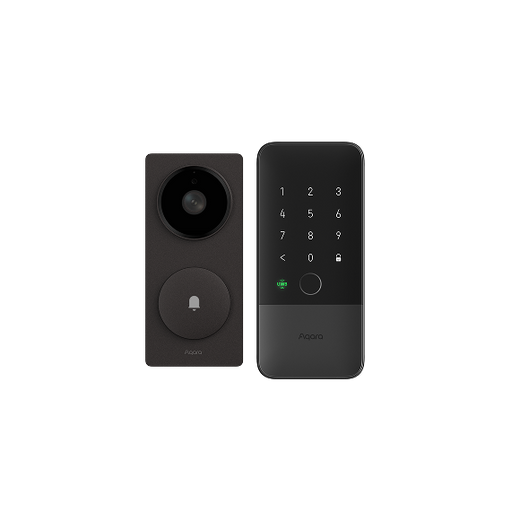
Monitor visitors and entry points with smart automations.
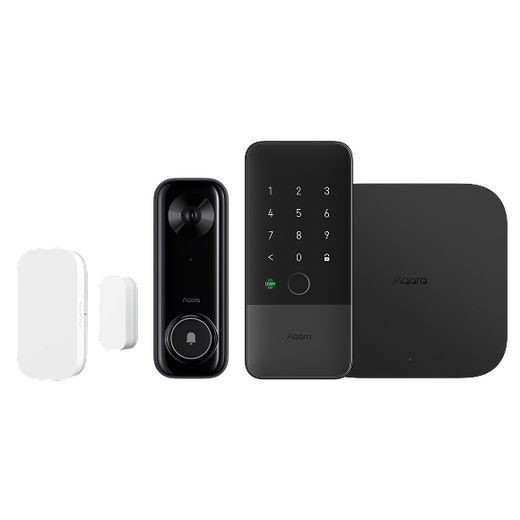
Protect every entrance and the areas beyond your front door.
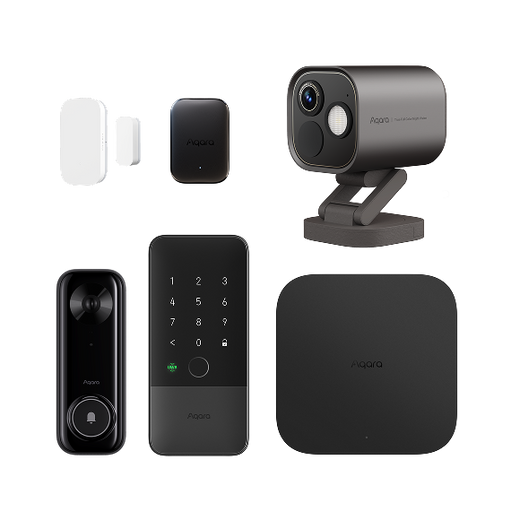

Keep watch over the outdoor spaces that matter, with clear views, smarter alerts, and coverage where it matters most.
See your front door and key outdoor areas anytime.
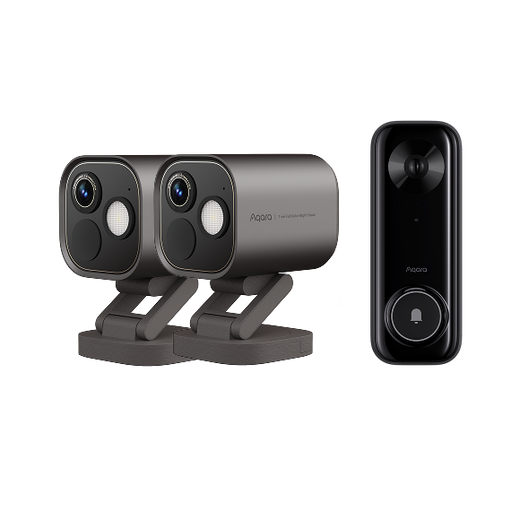
Cover every side of your home with fewer blind spots.
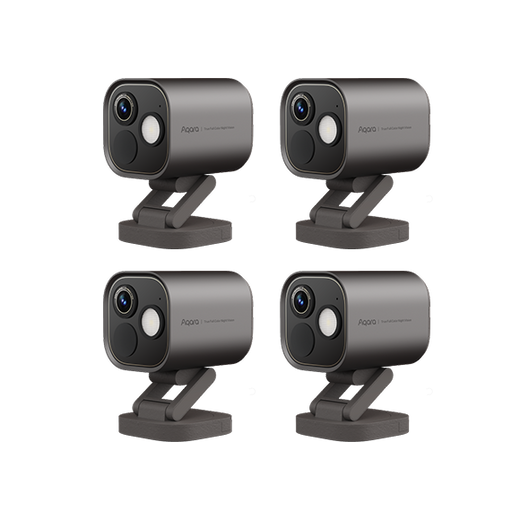
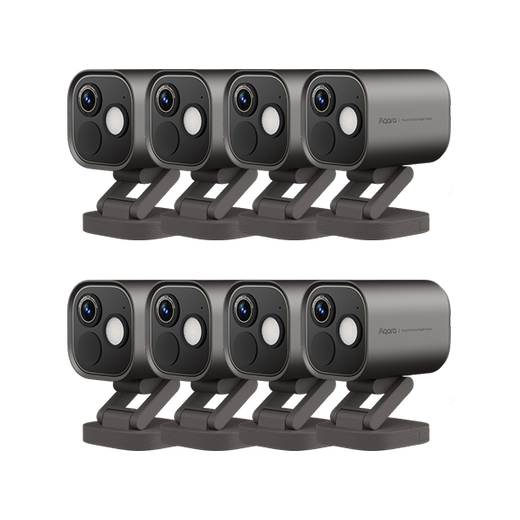
Extend connected camera coverage across larger outdoor areas.

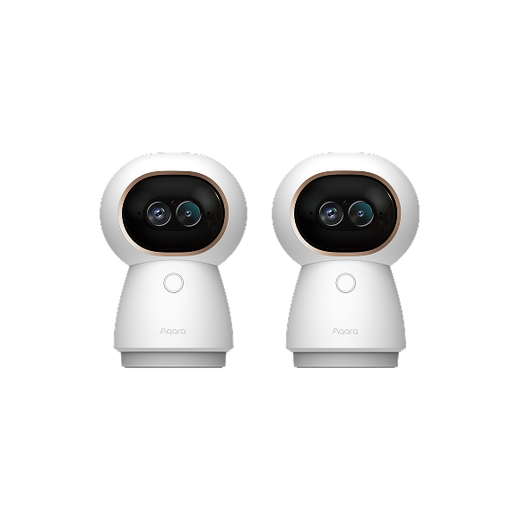
Stay connected to the people and pets you care about, with indoor awareness that balances visibility and privacy.
Check in on family or pets across two rooms.
Stay aware indoors without putting cameras everywhere.
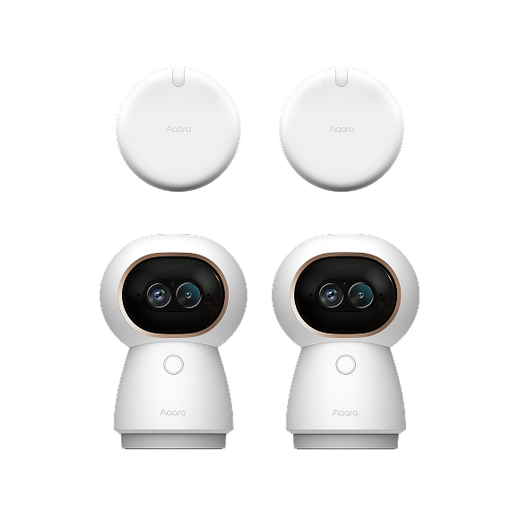
Monitor shared spaces, private rooms, and entry points.
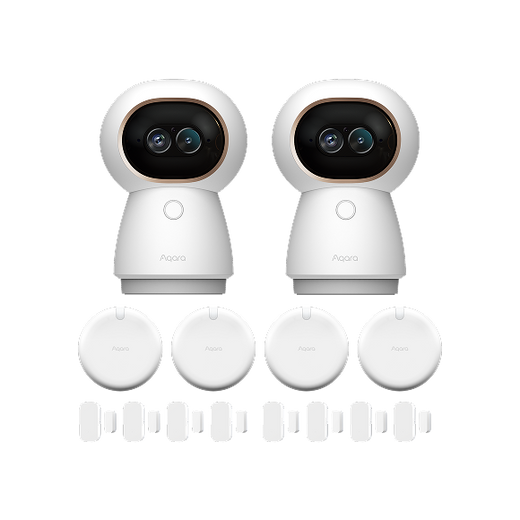

Control comfort from anywhere and let each room adjust to how it’s actually being used.
Control your home’s temperature from anywhere.
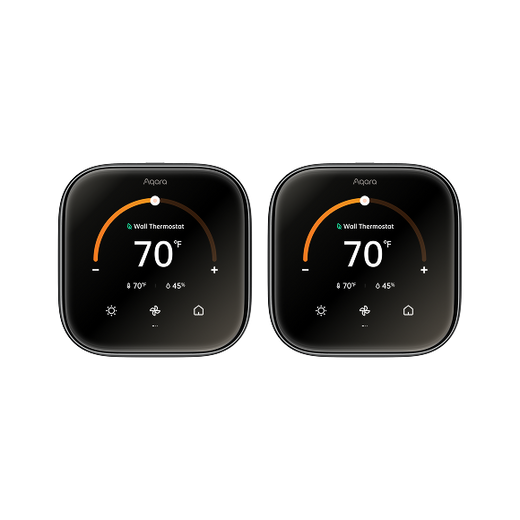
Keep occupied rooms comfortable and empty rooms efficient.
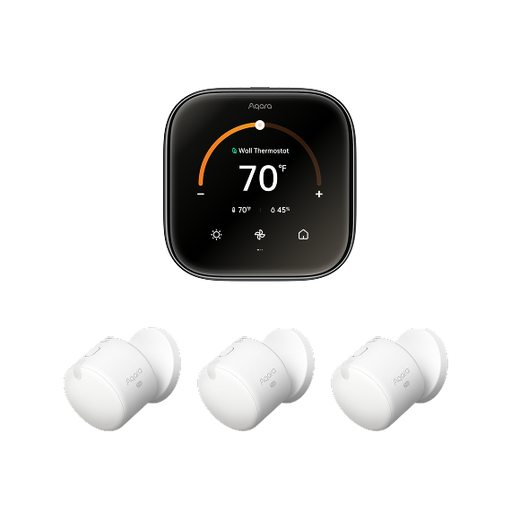
Automate comfort for every room based on real-time conditions.
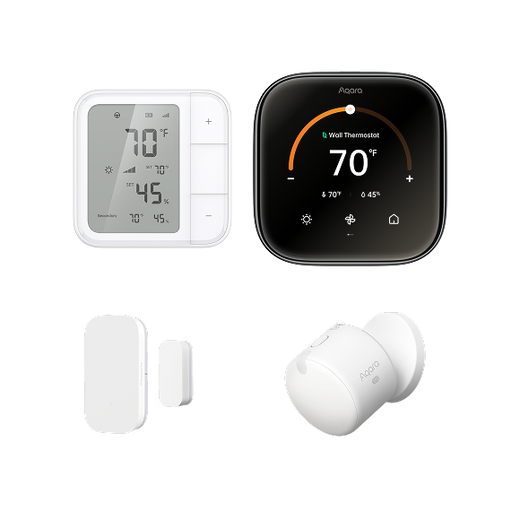

Reduce everyday energy waste by matching power and climate to when—and where—they’re actually needed.
Automate devices to reduce everyday energy waste.
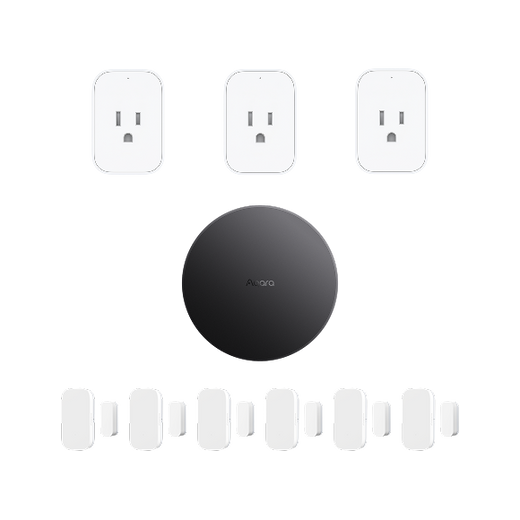
Save energy with occupancy-based climate control.
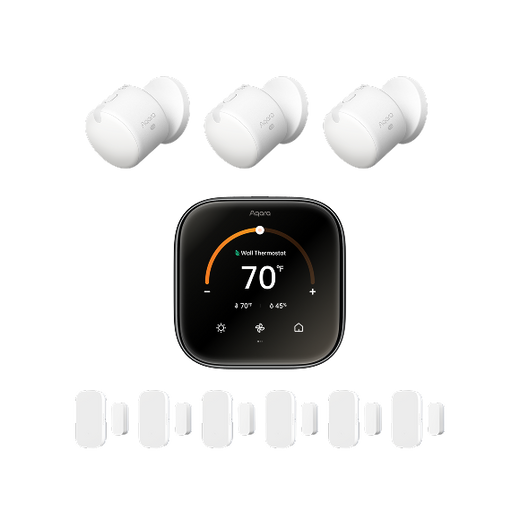
Coordinate climate and devices for whole-home energy savings.
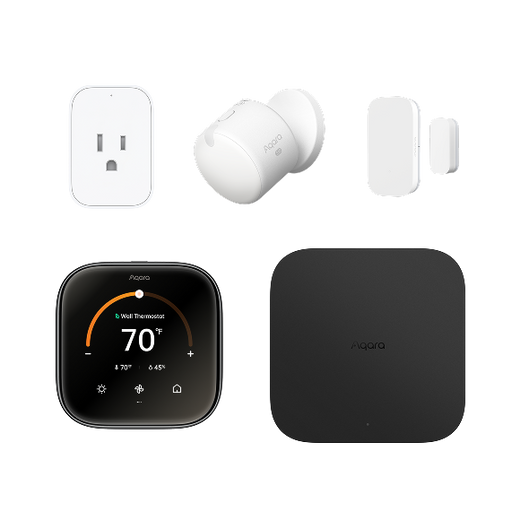
See who’s there, secure every way in, and let your home respond to every arrival.
See visitors, get alerts, and unlock without keys.
Monitor visitors and entry points with smart automations.
Protect every entrance and the areas beyond your front door.
Keep watch over the outdoor spaces that matter, with clear views, smarter alerts, and coverage where it matters most.
See your front door and key outdoor areas anytime.
Cover every side of your home with fewer blind spots.
Extend connected camera coverage across larger outdoor areas.
Stay connected to the people and pets you care about, with indoor awareness that balances visibility and privacy.
Check in on family or pets across two rooms.
Stay aware indoors without putting cameras everywhere.
Monitor shared spaces, private rooms, and entry points.
Control comfort from anywhere and let each room adjust to how it’s actually being used.
Control your home’s temperature from anywhere.
Keep occupied rooms comfortable and empty rooms efficient.
Automate comfort for every room based on real-time conditions.
Reduce everyday energy waste by matching power and climate to when—and where—they’re actually needed.
Automate devices to reduce everyday energy waste.
Save energy with occupancy-based climate control.
Coordinate climate and devices for whole-home energy savings.


Have you wanted to turn your home into a smart home but don’t quite understand the technology and how to implement it in the best way?
There are various products out there that it can be confusing as to what products work with what. Luckily, Matter technology makes compatibility a concern of the past with a simple setup. Learn more about the best Matter-enabled smart home devices.

Matter is an open-source protocol that allows homeowners to turn their homes into smart homes quickly and easily.
Users connect a smart hub to their home’s Wi-Fi connection. With the hub in place, users can connect smart devices to the hub by simply searching for new products with the hub. Most products have a simple button to put it into connect mode. When the hub finds the product, it will ask you to connect it. Once connected, that’s it. You’re done.
With smart devices connected to the smart home system, users can automate certain processes and quickly control devices with the push of a button in the app or voice commands.
Matter allows users to easily connect more devices to their smart home system than ever before.
Previously, users would struggle to connect devices from different manufacturers to a particular hub.
Now, with Matter, that problem is a thing of the past. Apple, Google, and Amazon-compatible products can all connect to the same hub and work together. So, consumers aren’t forced to stick to one manufacturer for their smart home hubs and devices.
Smart home devices are also able to connect quite easily. As long as devices are near the hub, the hub should be able to find it.
Furthermore, Matter makes it more efficient to connect multiple devices to the system using low-energy operations. The setup uses less energy since it automatically keeps devices connected to the system when necessary while still allowing the devices to go into sleep mode. Less energy means lower utility bills and more eco-friendly processes.
When Matter V1.0 launched, it allowed seven different types of devices to connect to it. With the launch of Matter V1.2, nine more products are now able to be added to the system.
When Matter V1.0 was first introduced, it included Matter technology in several different types of products.
With the addition of Matter V1.2, there are several new types of products that utilize the technology.
Aqara is on a mission to create seamless, automated smart home systems with various devices working in harmony. Here are Aqara’s smart home devices that can act as a bridge and work with other Matter-enabled devices.

Aqara Hub M2 can connect up to 128 devices using Zigbee 3.0, the fastest and most reliable system available. A built-in speaker also allows you to play music and get alerts through your smart hub.

The Aqara Hub M1S Gen 2 uses a 2×2 MIMO Wi-Fi antenna and WPA3 support to increase speed and dependability. There’s also a controllable LED light that can be used as an accent light or a night light.

The Aqara Hub E1 is the perfect choice for consumers who don’t have adequate counter space for smart home devices. This hub stands out due to its small size and still offers the convenience of smart home technology.

The Aqara Camera Hub G3 comes with a camera that you can use to keep your home safe and take hands-free pictures with friends and family. The camera has a high-resolution 2304×1296 pixel sensor and a 360° viewing angle. Dual-band 2.4/5 GHz compatibility makes it easy for the hub to connect to your internet connection.

The Aqara LED Light Strip T1 offers 16 million different colors and tunable whites with ten segments that can all be individually configured. Gradient effects are available for color scenes. Compatible with Matter, HomeKit (incl. Adaptive Lighting), Alexa, Google, IFTTT, and more.

The Aqara LED Bulb T1 Ra90+ color technology provides a white color that allows you to see well while still being gentle on the eyes.

The tunable white Aqara LED light bulb has preset settings to give you the perfect light you need for different conditions ranging from cool white light to warm white light.
Some of the settings available include:
Aqara is the leader in smart home devices. Their devices are sold in retailers all around the country. View all of the Aqara smart devices and where to buy them.
Free Shipping
Complimentary delivery on eligible orders.
Easy Returns
30 days to make sure it's the right fit.
Worry-Free Coverage
Protected by a one-year limited warranty.
Here to Help
Expert support before and after purchase.
Aqara Store Membership: Earn, Save, Unlock.
Earn points with every order. Redeem rewards when you want.
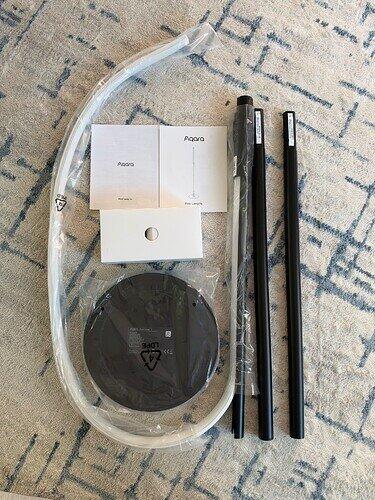
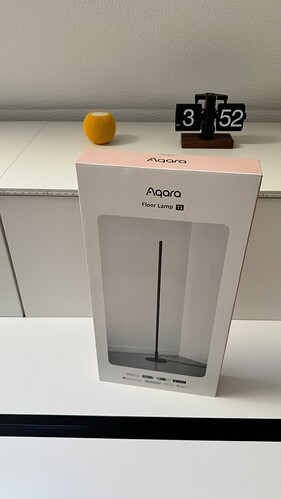
The lamp arrives in nice, simple packaging with items packed efficiently and clear instructions.
Assembly is generally straightforward, though the base requires a bit more force than expected to pop in snugly. One minor annoyance during setup involved the stickers covering the screw access points on the rods. They were difficult to remove and felt unnecessary.
Additionally, the material of the light strip tends to attract dog hair easily. Hasn’t been an issue since it was placed in it’s spot.
Connecting the lamp via Matter over Thread was a piece of cake. It offered instant recognition and pairing in both the Aqara app and Apple Home. Once connected, Apple Home immediately suggested enabling Adaptive Lighting by default. While the power adapter works fine, a standard USB C connection would have been a better choice.
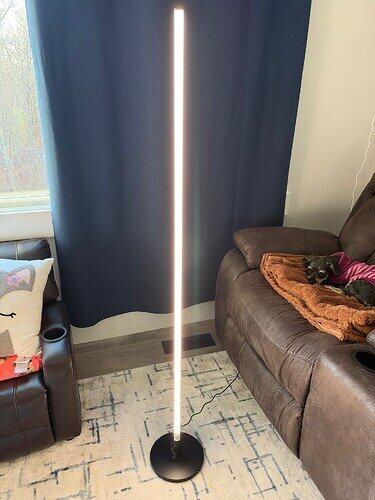
During the day, the lamp provides a nearly uniform white color pattern that complements rooms with heavy sunlight exposure.
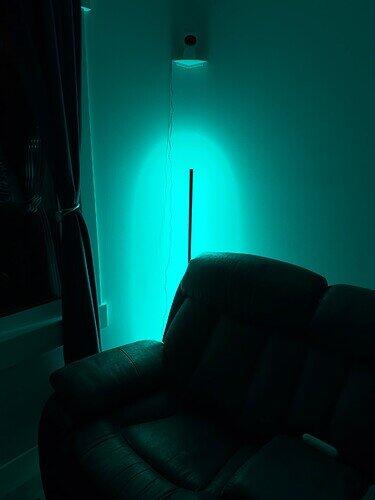
At night, the light diffuses beautifully when pointed toward a corner wall.
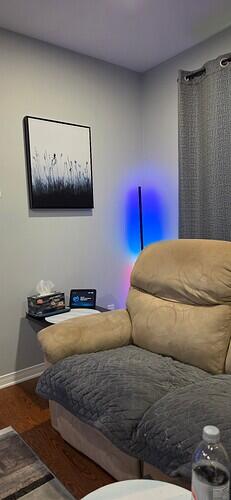
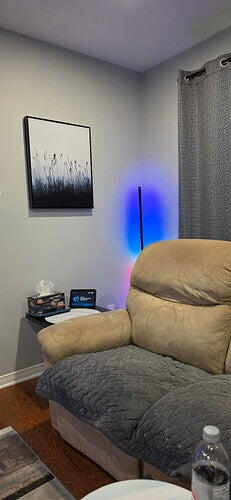
I had an empty, dark corner in my living room where I wanted to put a lamp. There wasn’t much space, and none of the lamps I’d tried fit. But the T1 fits perfectly and gives the corner exactly the kind of indirect light I wanted.
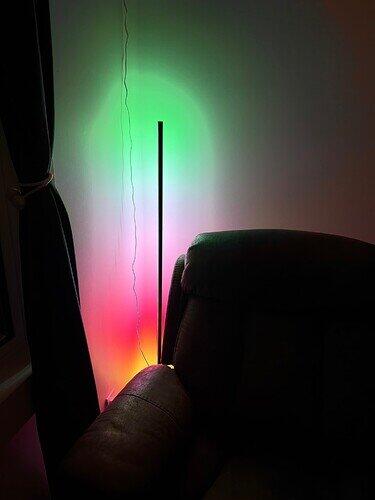
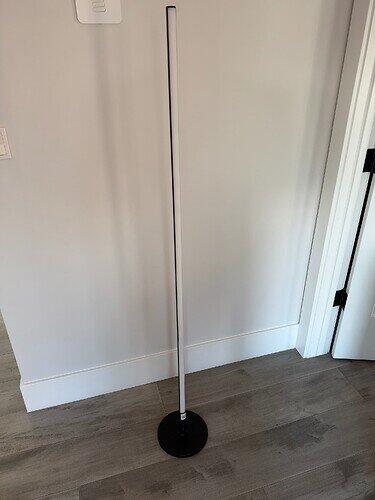
This is my first ever smart floor lamp and I’m baffled as to why I didn’t try it out earlier. It arrived well packaged. Instructions are very clear and assembly so easy a child could do it. Fitment of the white cover on the LEDs is precise and tight. The base is wide and sturdy but not overly big. The app discovered the new device right away. The color spectrum is vast and the brightness is incredible, I was worried it wouldn’t reflect too well against the wall. We originally planned to install it behind our sofa in the basement gaming room but our basement recently flooded due to a heavy rainstorm. Instead, we placed it in our main living room until the renovations are complete. My wife chose a preser effect to her liking and had to dim the brightness to 30% for use at night. Like I mentioned, it is bright but I’d rather have a high output of light vs not enough. At the moment, we got it scheduled to turn on after sunset and turn off a few minutes after midnight. I need to purchase an Aqara wireless mini switch to act as a manual off and on without voice or app. Adding this lamp has upped my number of Aqara devices to 29 (lots of water sensors). Which encouraged me to purchase another hub during early bkack Friday to help split the devices. Some our water sensors in the basement would periodically go offline due to distance limitations, but no anymore
Overall, this was a great purchase. We’re thinking about grabbing a 2nd one before Christmas to install in our son’s bedroom.
Stunning night effect, but check hub compatibility and lighting modes before buying
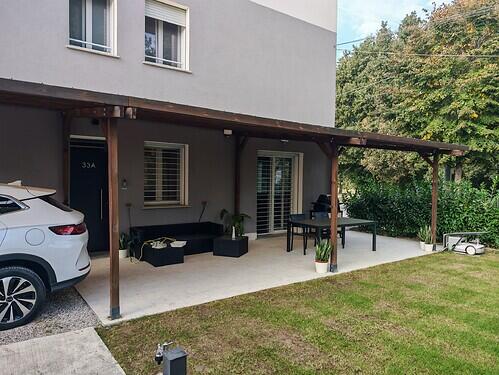
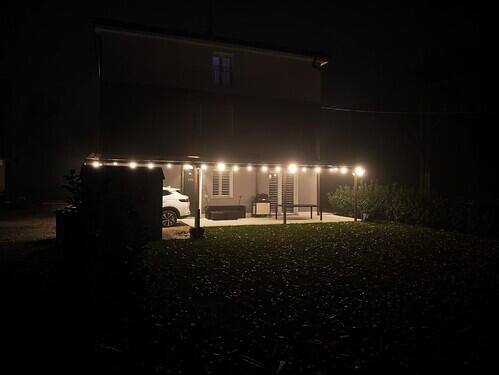
I recently tested the Govee Outdoor String Lights H1 and, visually, they are gorgeous. The lighting effect at night is truly stunning, as you can see in the photos. However, there are a couple of important things potential buyers should know before purchasing:
Limited Hub Compatibility: These lights are not compatible with all hubs. Personally, I own a Camera Hub G3, which cannot control them. Because of this, I had to buy one of the few currently compatible hubs separately. Make sure to read the product description carefully to ensure your setup is supported before ordering.
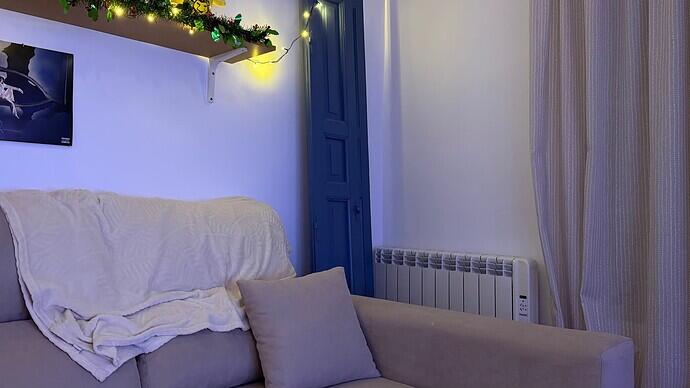
No Dynamic Effects for Pure White Light: When setting up dynamic scenes and lighting patterns, you cannot use the pure white light mode (the one with adjustable color temperature from 2000K to 9000K). Dynamic effects are strictly limited to the RGB LEDs. This means I can’t apply any dynamic animations to the specific shade of white shown in my photo below, which is a real shame, also because RBG mode has much lower intesity also in white/yellow colors
I had an empty, dark corner in my living room where I wanted to put a lamp. There wasn’t much space, and none of the lamps I’d tried fit. But the T1 fits perfectly and gives the corner exactly the kind of indirect light I wanted.
This is my first ever smart floor lamp and I’m baffled as to why I didn’t try it out earlier. It arrived well packaged. Instructions are very clear and assembly so easy a child could do it. Fitment of the white cover on the LEDs is precise and tight. The base is wide and sturdy but not overly big. The app discovered the new device right away. The color spectrum is vast and the brightness is incredible, I was worried it wouldn’t reflect too well against the wall. We originally planned to install it behind our sofa in the basement gaming room but our basement recently flooded due to a heavy rainstorm. Instead, we placed it in our main living room until the renovations are complete. My wife chose a preser effect to her liking and had to dim the brightness to 30% for use at night. Like I mentioned, it is bright but I’d rather have a high output of light vs not enough. At the moment, we got it scheduled to turn on after sunset and turn off a few minutes after midnight. I need to purchase an Aqara wireless mini switch to act as a manual off and on without voice or app. Adding this lamp has upped my number of Aqara devices to 29 (lots of water sensors). Which encouraged me to purchase another hub during early bkack Friday to help split the devices. Some our water sensors in the basement would periodically go offline due to distance limitations, but no anymore
Overall, this was a great purchase. We’re thinking about grabbing a 2nd one before Christmas to install in our son’s bedroom.
I have four Hue floor lamps in my bedroom and was eager to try Aqara, as the rest of my Aqara products are wonderful.
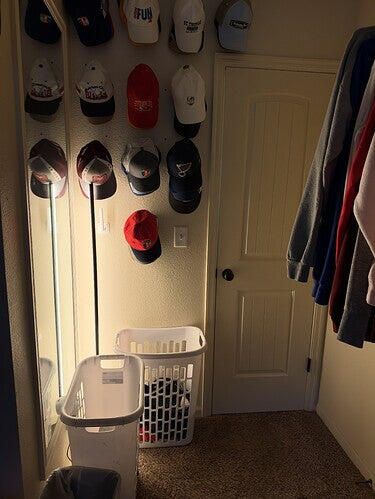
My use case was to place it in our master closet. While likely not a typical use case, we had been wanting some non overhead lighting in there. We placed it in a corner and it provides a nice soft light that comes on at sundown. It’s perfect for the evening trips as we prepare for bed.
Overall, it’s a more than adequate rival to the Hue lamps I have.
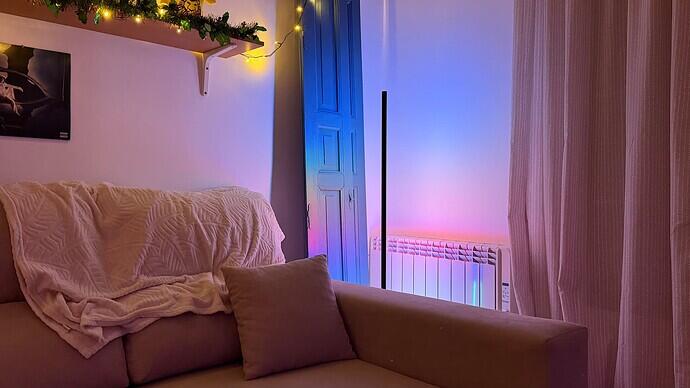
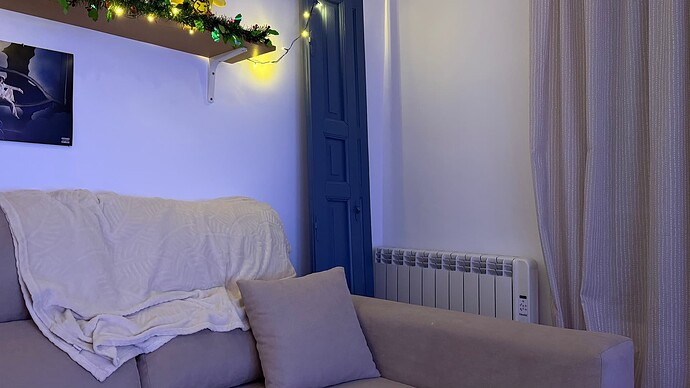
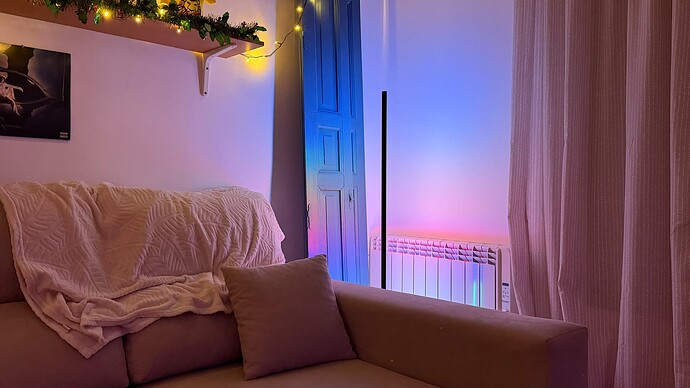
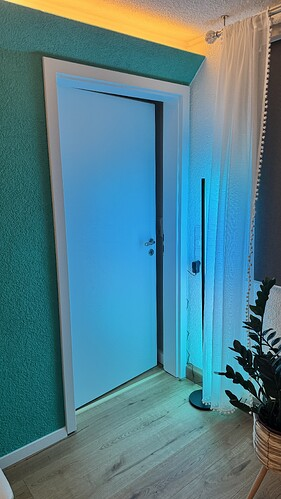
The Aqara Floor Lamp T1 is lighting mostly every evening, together with the other ambient lights. It’s lightning with a blue effect, if the bright lights are on,… and if the lights are dimmed (for a movie night) only some segments light up, in orange. (Maybe I upload a video later for you guys.)
What’s also really cool, is the music sync. It works really well, especially if you have a strong subwoofer, so your floor vibrates. This way, the Floor Lamp can literally feel the music, and make some cool effects. (I’ll add a video here too.)