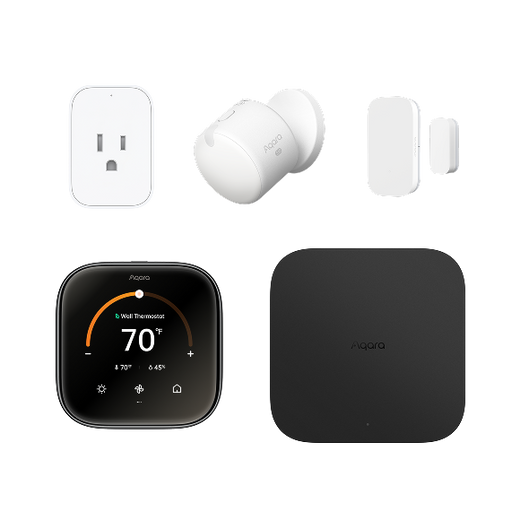
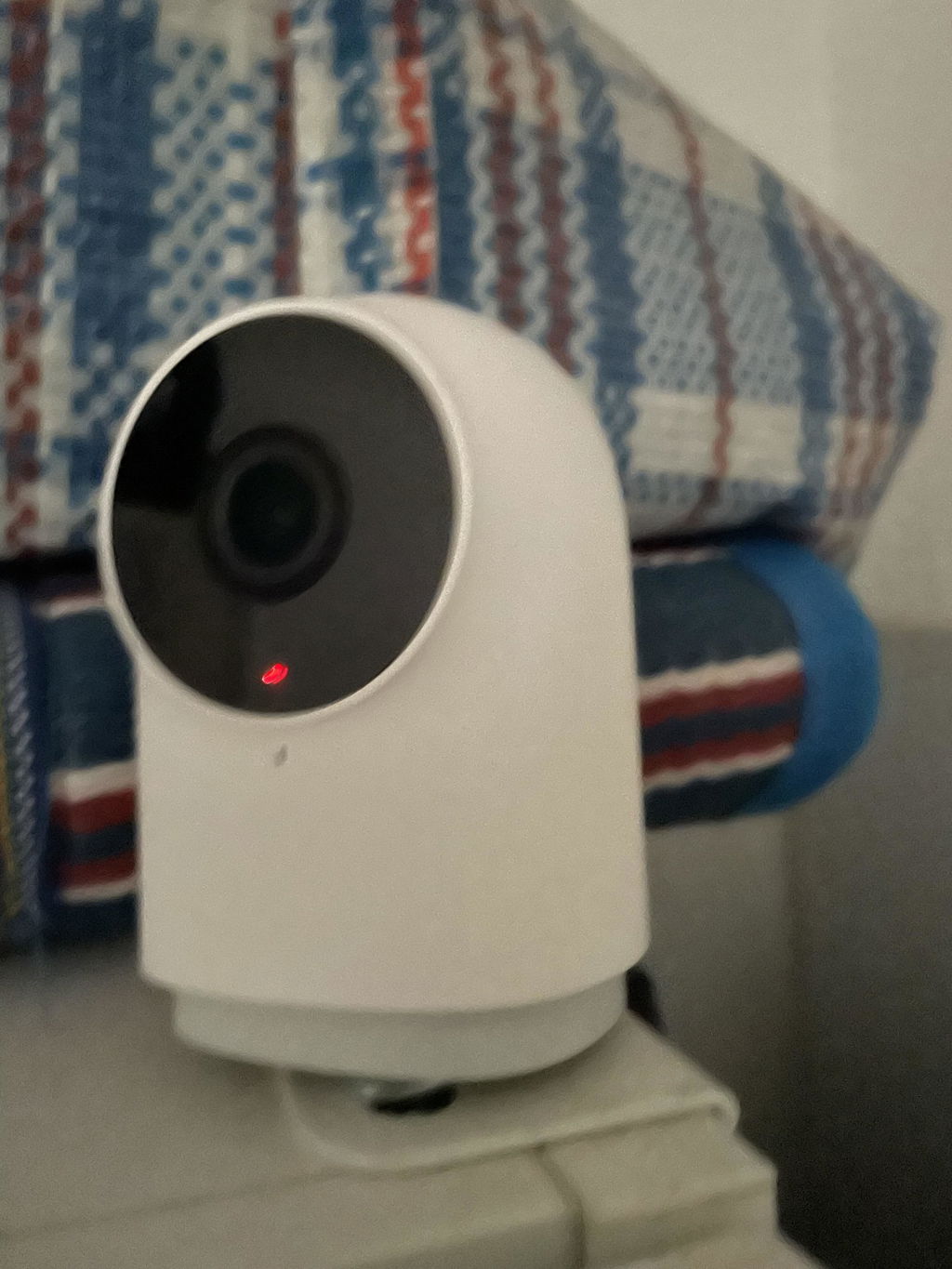
Front Door Security
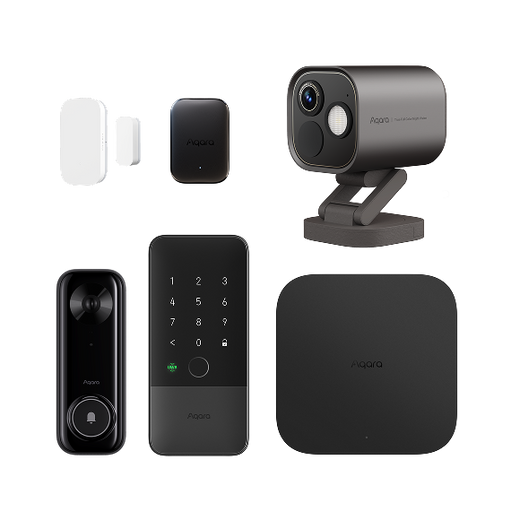
See who’s there, secure every way in, and let your home respond to every arrival.

See who’s there, secure every way in, and let your home respond to every arrival.
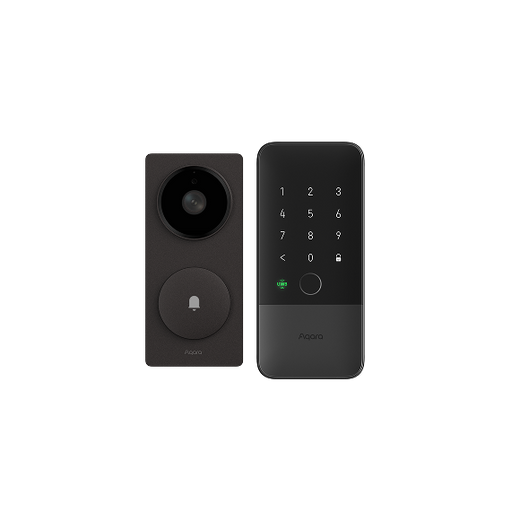
See visitors, get alerts, and unlock without keys.

Monitor visitors and entry points with smart automations.

Protect every entrance and the areas beyond your front door.


Keep watch over the outdoor spaces that matter, with clear views, smarter alerts, and coverage where it matters most.
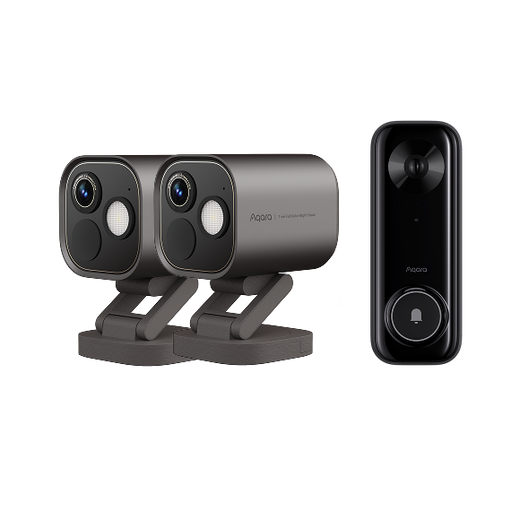
See your front door and key outdoor areas anytime.

Cover every side of your home with fewer blind spots.

Extend connected camera coverage across larger outdoor areas.


Stay connected to the people and pets you care about, with indoor awareness that balances visibility and privacy.
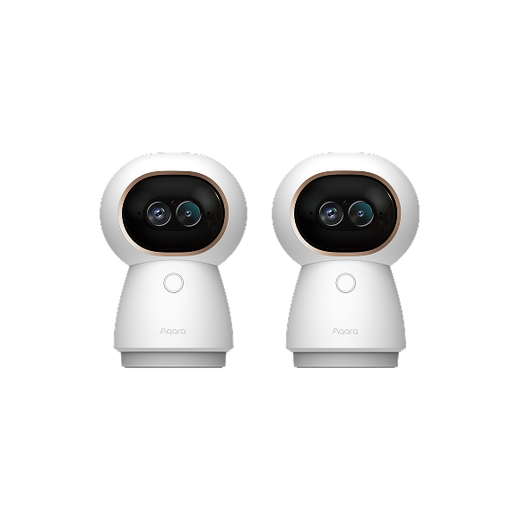
Check in on family or pets across two rooms.

Stay aware indoors without putting cameras everywhere.

Monitor shared spaces, private rooms, and entry points.


Control comfort from anywhere and let each room adjust to how it’s actually being used.
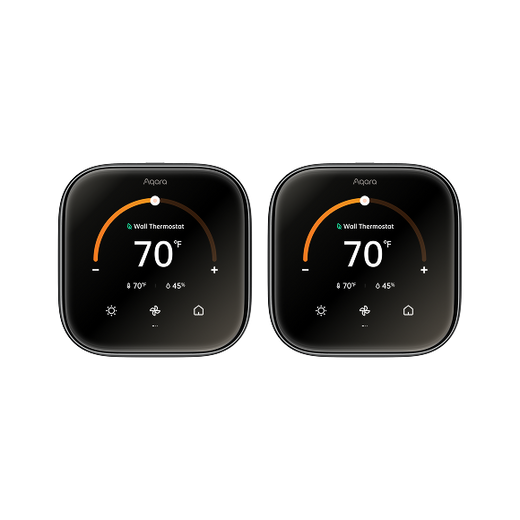
Control your home’s temperature from anywhere.

Keep occupied rooms comfortable and empty rooms efficient.

Automate comfort for every room based on real-time conditions.


Reduce everyday energy waste by matching power and climate to when—and where—they’re actually needed.
Automate devices to reduce everyday energy waste.

Save energy with occupancy-based climate control.

Coordinate climate and devices for whole-home energy savings.

Taxes, discounts and shipping calculated at checkout

See who’s there, secure every way in, and let your home respond to every arrival.
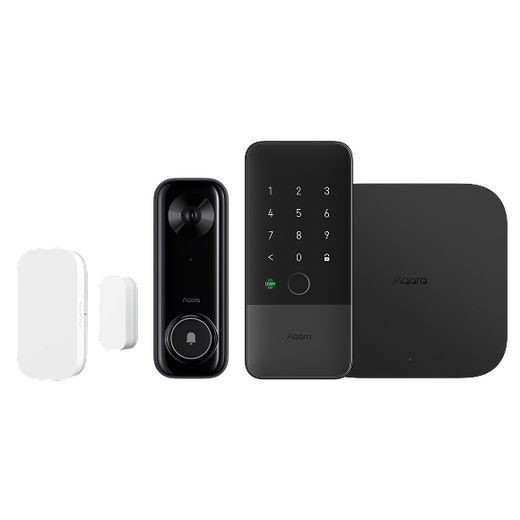
See visitors, get alerts, and unlock without keys.

Monitor visitors and entry points with smart automations.

Protect every entrance and the areas beyond your front door.


Keep watch over the outdoor spaces that matter, with clear views, smarter alerts, and coverage where it matters most.
See your front door and key outdoor areas anytime.

Cover every side of your home with fewer blind spots.

Extend connected camera coverage across larger outdoor areas.


Stay connected to the people and pets you care about, with indoor awareness that balances visibility and privacy.
Check in on family or pets across two rooms.

Stay aware indoors without putting cameras everywhere.

Monitor shared spaces, private rooms, and entry points.


Control comfort from anywhere and let each room adjust to how it’s actually being used.
Control your home’s temperature from anywhere.

Keep occupied rooms comfortable and empty rooms efficient.

Automate comfort for every room based on real-time conditions.


Reduce everyday energy waste by matching power and climate to when—and where—they’re actually needed.
Automate devices to reduce everyday energy waste.

Save energy with occupancy-based climate control.

Coordinate climate and devices for whole-home energy savings.


While furnaces and heat pumps are the most commonly used heaters in today's market, radiators remain highly popular because of their efficiency, affordability, and easy maintenance. You can increase your home's energy efficiency and gain more control over your radiator with a smart radiator thermostat.
Whether you have an old thermostat that needs to be replaced or a new one you'd like to install, the following guide offers a step-by-step look at the installation process.
Radiator thermostats offer many clear advantages that aren't available when manually operating your radiator. For instance, you're able to control single room temperatures with these devices. You'll also save a considerable sum of money by avoiding the common overheating issues that occur when using manual valves.
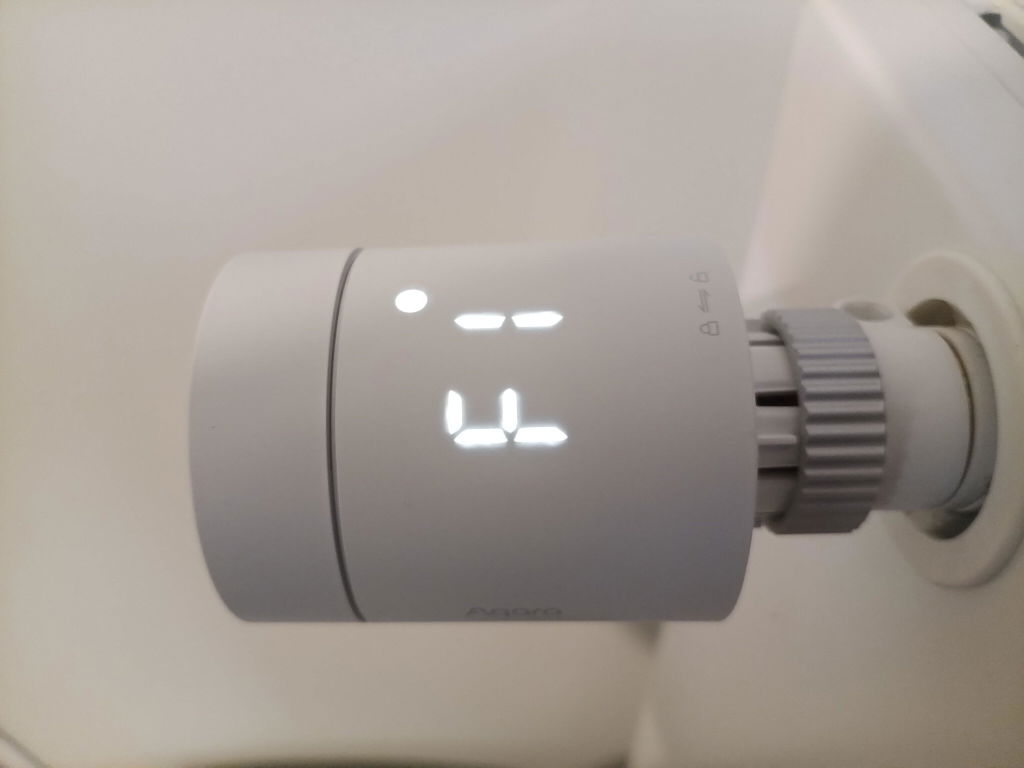
If you choose the Aqara Thermostat E1, you'll benefit from a colorful backlit display, geofencing technology capabilities, and configurable smart schedules. When programming schedules into this device, you can set varying temperatures for the day and night, which allows for seamless transitions.
You'll also be able to monitor the thermostat's temperature from your phone once the thermostat is connected to the Aqara Hub. Some of the other benefits available to you include:

The thermostat of your choice should come with adapters that allow for compatibility with different types of radiator valves. If you buy the Aqara radiator thermostat, you won't need to use any additional tools.
The E1 thermostat supports the majority of radiator valves. Make sure you identify the valve your radiator has before getting started. The various valve types include:
When you're searching for the right radiator thermostat, your best option is to select Aqara's Radiator Thermostat E1 for the best functionality. Most radiators support thermostatic radiator valves or traditional thermostats. A TRV alters the flow of water in your heating system once the temperature reaches a specific point, which ensures the radiator doesn't get too hot.
While you can obtain a conventional thermostat for your radiator, you'll need to control the device manually. In comparison, the E1 model allows you to pair the device to your smart home hub, which means that it's controllable from your smartphone or tablet. Even when you're away from home, you can change the settings as you see fit. For example, you can implement a smart schedule or turn the temperature down when you're at work.
With a smart radiator thermostat, it's also possible to adjust the temperature based on the preference of each individual in your home. If you obtain the Camera Hub G3, you'll benefit from local face recognition. Once the camera detects a friend or family member entering the room, the temperature changes automatically to suit their preferences.
Radiator thermostats are simple to remove. Your old thermostat should be in the same position that you're installing the new one. While this process somewhat depends on the type of valve your unit has, you should be able to simply twist the rotating nut in a counterclockwise motion until it becomes loose and can be effectively removed.
If your radiator is outfitted with a M30 x 1.5mm valve interface, the installation process begins by pulling out the thermostat's insulating tab and making sure the device is turned on.
The next steps are as follows:

While installing a radiator thermostat differs based on the model you buy and the type of radiator you own, most can be installed without any professional help. You should be able to install the thermostat by placing it in a slot or attaching it to a valve, which doesn't come with any safety risks. However, you can call a professional to install it for you.
To add the radiator thermostat to your smart hub, you'll first need to make sure that you've already downloaded the Aqara Home app. You should also have an Aqara Zigbee 3.0 hub installed. Once the necessary app has been downloaded, bring it up on your smartphone or tablet.
Look at the upper-right corner of the app's home page to find and click the "+" button. From here, navigate to the "Add Device (Accessories)" page. Choose Smart Radiator Thermostat E1 to pair the radiator thermostat by long-clicking it for 10 seconds to your smart hub.
The right radiator thermostat allows you to lower your monthly bills, use less energy, and maintain a more comfortable temperature in your home. Now that you know how to install or replace your radiator thermostat, you have what you need to get started.
Aqara is your reliable provider of radiator thermostats and other smart home devices. To find an Aqara device near you, visit our "Where To Buy" page. We have numerous retail and online shopping partners in many countries across the globe.
Free Shipping
Complimentary delivery on eligible orders.
Easy Returns
30 days to make sure it's the right fit.
Worry-Free Coverage
Protected by a one-year limited warranty.
Here to Help
Expert support before and after purchase.
Aqara Store Membership: Earn, Save, Unlock.
Earn points with every order. Redeem rewards when you want.
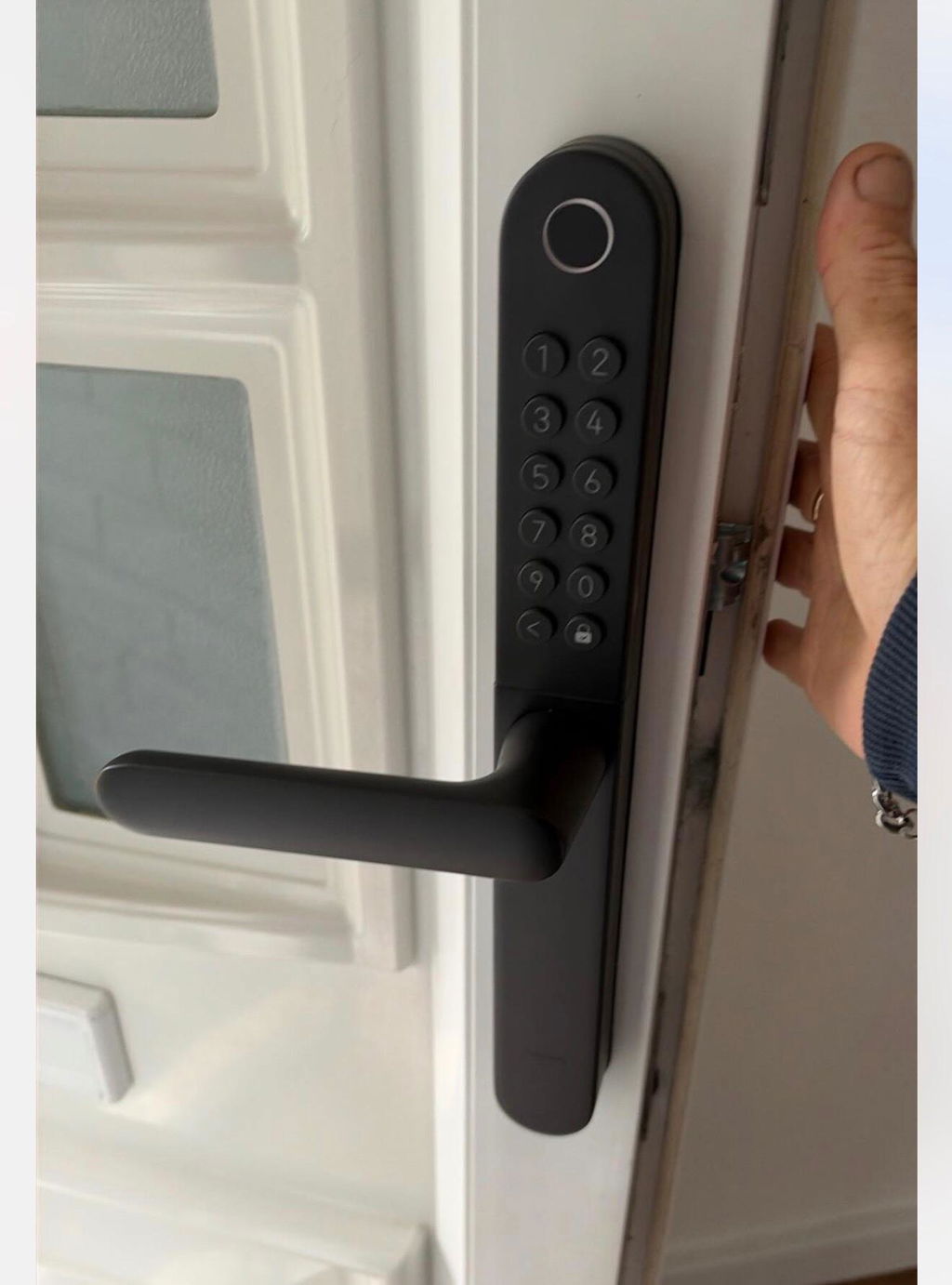
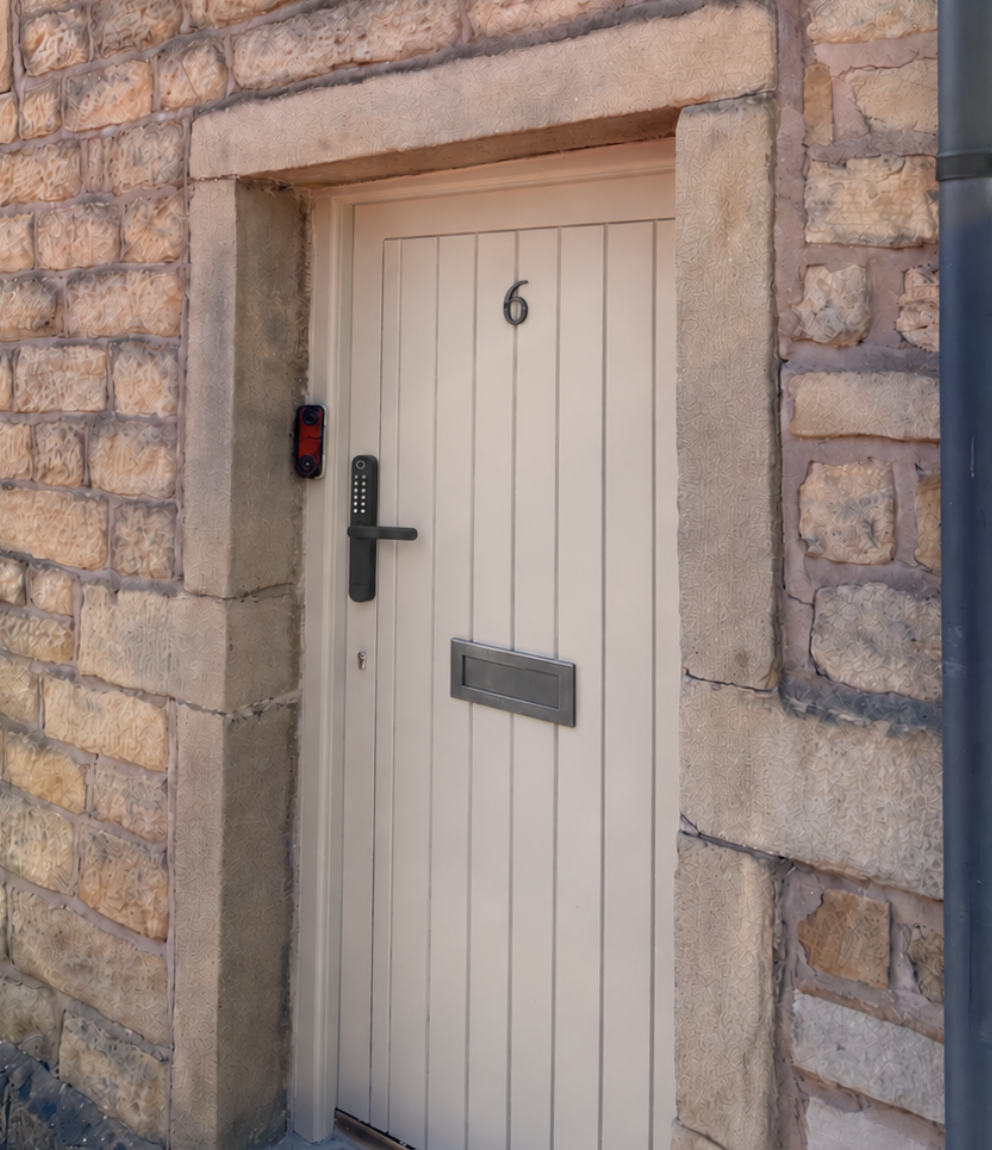
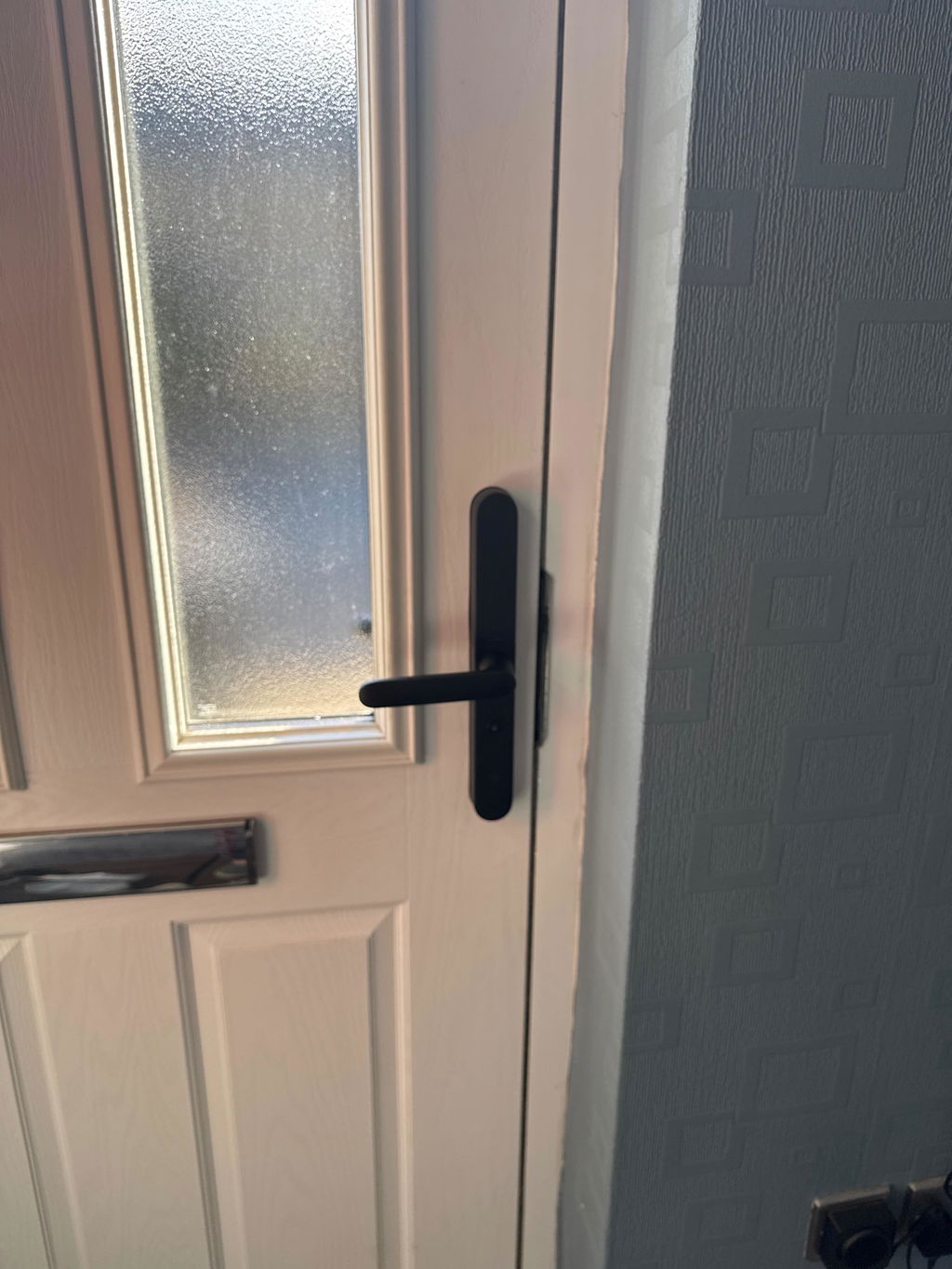
Fitted mine today , works perfectly with my lift to latch multipoint lock , finger print entry is perfect for my 91yo father , no more losing keys or forgetting to lock the door
Love it! Installation was ridiculously easy, clean and straightforward.
No faffing about, no unnecessary complications. Everything just makes sense. It's so intuitive to use that even your granny could figure it out without instructions! Exactly how smart home technology should be. Brilliant bit of kit! 👌
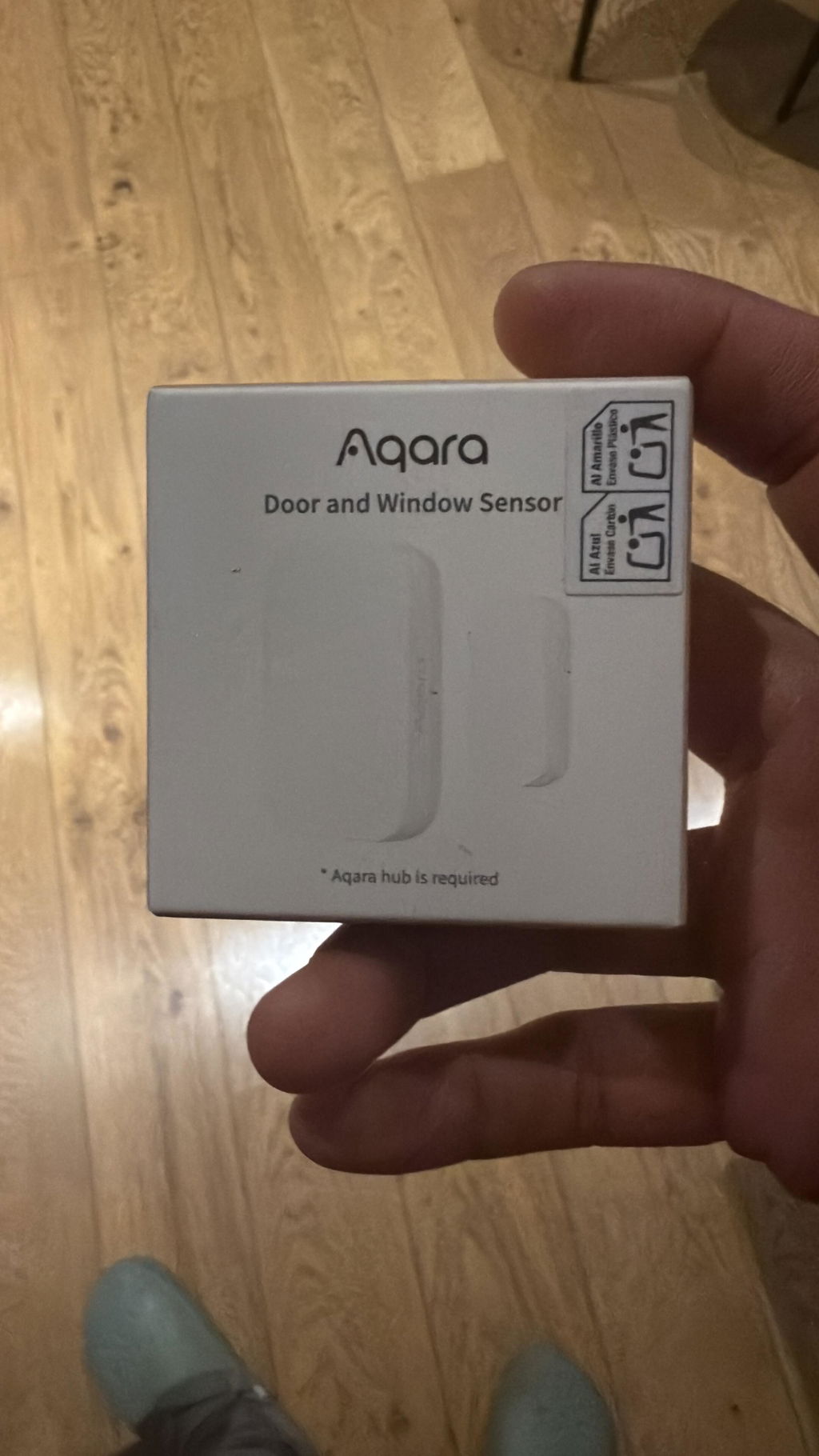
It’s a really cool device, responds well and it allows you to not only use it on a door, but also inside drawers and more. 10/10
Increíble fluidez y integración con el sistema HomeKit tengo cinco cámaras y las cinco funciones perfectamente tengo pensado adquirir más
Vanne de grande qualité, reçue rapidement, ultra silencieuse.
Une fois bien configurée, c'est la tranquilité.
I’ve been using this door lock for the past couple of weeks and it has been flawless. It’s so easy to install and setup with Apple home key. It is quick to unlock and because I have and Apple TV 4K that works as a thread border router I can even unlock it remotely. The build quality is top notch and solid. This is the smart lock I e been waiting for.
Been running these for over 2 years now, and I have about 7 up and running in an Apple Home environment. Superb devices only now potentially being replaced by the FP400 which brings Matter support.
replaced another brand, as i needed WPA3 support. I found it very stable about a year of continuous use, reliable Apple HomeKit support. Magnetic stand is useful, not power hungry for backup battery. Doesn't get much hot. Just the app could be better, I just use one button "Enable movement detection" or disable it, and have to navigate several sub menus just to fins this button. Or at least allow us to put a favourite function in the App start! Anyway excellent brand.