
Front Door Security
See who’s there, secure every way in, and let your home respond to every arrival.


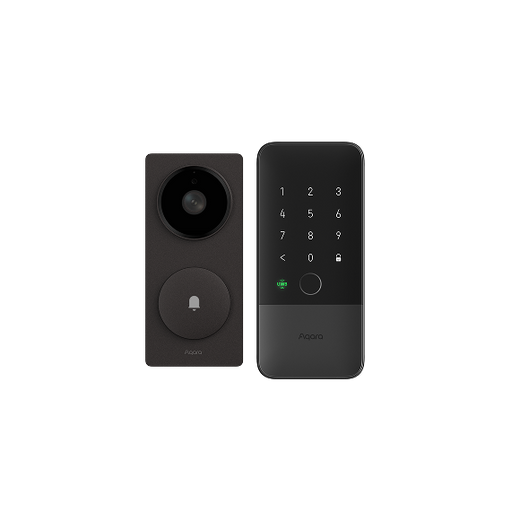
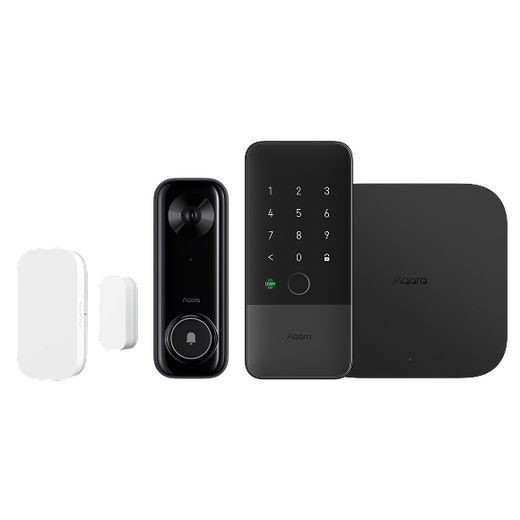
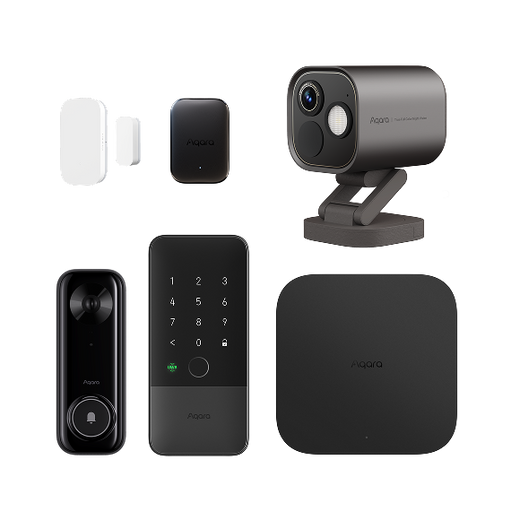
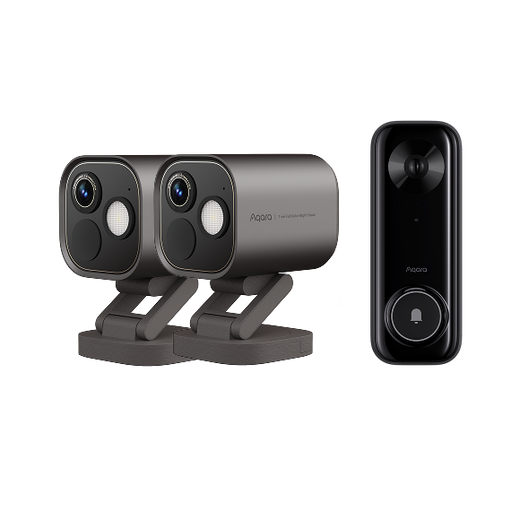
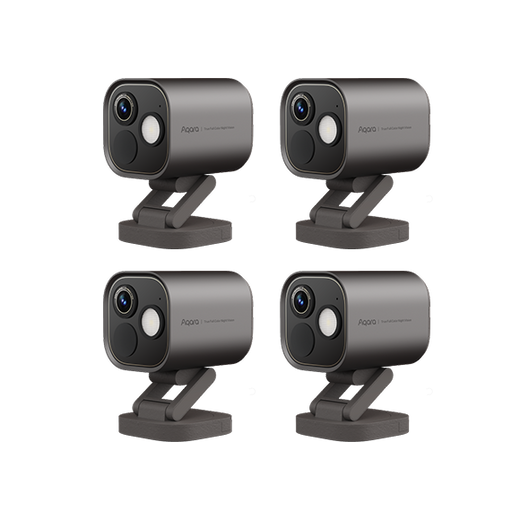
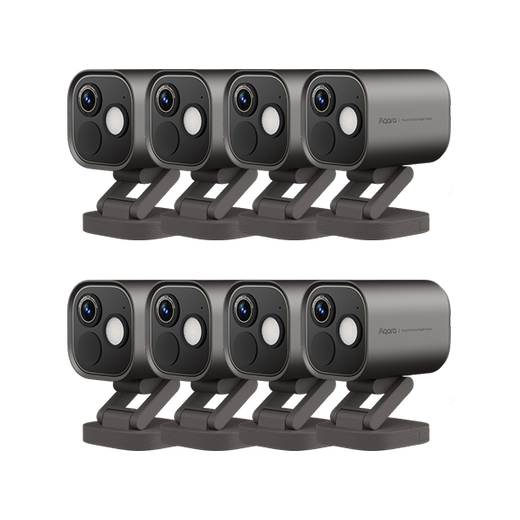
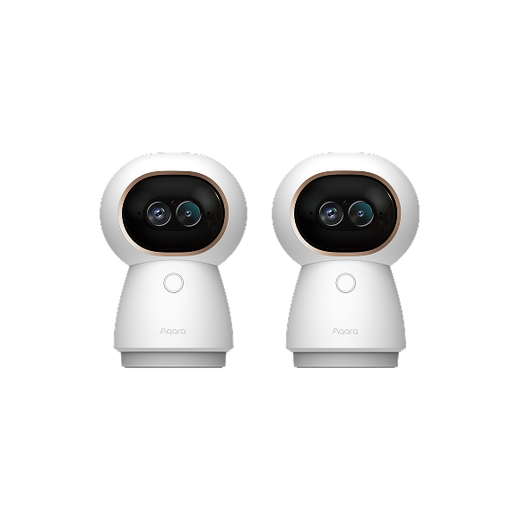
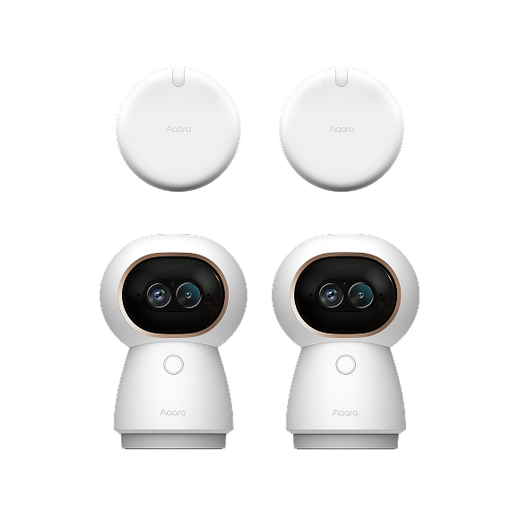
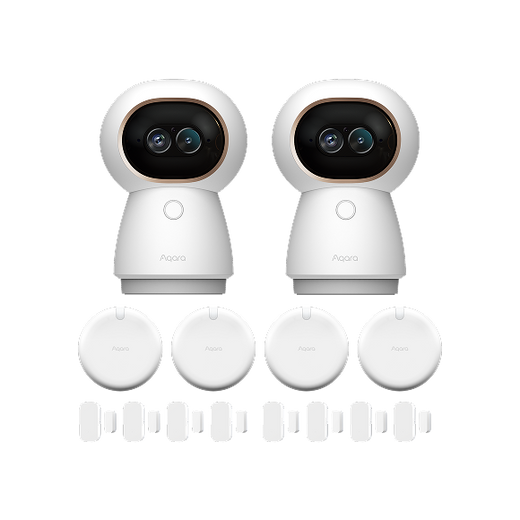

In today's world, where smart home, AI, and IoT technologies are all mixed together, security cameras are super important in our daily lives. You might be thinking, “Should I go for 2K or 1080p?” Well, you're not alone. A lot of people like you are asking this question. That's what we're gonna figure out in this article. We'll look at the differences between 2K and 1080p, and also check out some great Aqara cameras that could be just what you need.

What are 1080p and 2K? When we say 1080p, it means a resolution of 1920 x 1080 pixels. That is, there are 1920 pixels horizontally and 1080 vertically. This has been a popular standard in lots of consumer electronics, like TVs and many security cameras. It's been a go - to choice because it balances image quality and resource needs well.
Now, 2K. Usually, 2K can mean resolutions like 2048 x 1080 pixels or 2560 x 1440 pixels. But for security cameras, it often means 2304 x 1296 pixels. The main difference is the number of pixels. With more pixels in 2K, it can show more details in pictures and videos. Imagine trying to read a small sign in a video. With 2K, you might be able to make out the words, while in 1080p, it could just be a blur.
The core difference lies in the number of pixels that make up the image. More pixels generally mean a sharper, more detailed picture. Here's a direct comparison:
|
Feature |
1080p (Full HD) |
2K (QHD/1440p) |
What This Means For You |
|
Resolution |
1920 x 1080 pixels |
2560 x 1440 pixels |
2K packs ~78% more pixels capturing significantly more detail |
|
Clarity & Detail |
Good, but limited for distant objects or small details like faces or license plates |
Excellent, making it easier to identify facial features, text, or object details |
For security, 2K means better evidence quality and more reliable identification |
|
Digital Zoom |
Image becomes blurry and pixelated quickly when zoomed |
Maintains more detail when zoomed, making it actually useful |
You can zoom in on video areas (like a person at the door) without completely losing clarity |
|
Coverage Area |
Good for covering smaller, specific areas |
Can cover wider areas with higher clarity at the same viewing angle |
A single 2K camera can sometimes replace two 1080p cameras |
|
File Size & Bandwidth |
Smaller files, uses less network bandwidth and storage |
Larger files, consumes more network bandwidth and storage space |
If you have limited storage or internet bandwidth, 1080p might be more economical |
|
Best Use Cases |
Budget-friendly indoor monitoring, basic streaming |
Premium home security, content creation, gaming |
For critical security areas (front door, driveway), 2K's advantage is game-changing |
There are some situations where 2K resolution is really great. Say you have a big property, like a large backyard, a farm, or a commercial parking lot. Monitoring these areas with a 1080p camera might leave you with blind spots or not - so - clear images. But a 2K camera like the Aqara Doorbell Camera Hub G410 or Aqara Camera Hub G3 can cover the same area with more clarity. You can easily spot if there's any funny business, like a trespasser in your backyard or a car accident in the parking lot.
Another time is when you might want to zoom in on the footage later. Maybe you saw something fishy in a video and want a closer look. With 2K resolution, you can zoom in without losing too much quality. The extra pixels keep the image sharp, so you can get more information. But if you zoom in on a 1080p video, it often gets pixelated and blurry.
Resolution isn't the only thing that affects how clear a camera's images are. The camera lens's aperture is important too. A wide aperture, like f/1.8, lets more light into the camera. This is really helpful in low - light situations. For example, in a dim hallway or a backyard at night, a camera with a wide aperture can take clearer pictures than one with a narrow aperture.
The quality of the image sensor also matters a lot. A good sensor can capture colors, contrast, and details better, no matter what the resolution is. Also, features like night vision can really improve how the camera works in the dark. Some cameras use infrared to see clearly at night, while others have fancy algorithms to make the image better in low - light.
Finally, how the camera deals with sudden light changes, like when someone moves from a bright area to a shaded one, can affect the clarity of the footage. Cameras with a better dynamic range can adjust to these changes more smoothly, so you don't miss important details.
Aqara is well - known in the smart home camera marke and offers different cameras for different needs. These cameras not only have good resolution options but also come with lots of cool features.

The Aqara Doorbell Camera Hub G410 is a top pick for watching your front door. Here's why it's so good:

The Aqara Camera Hub G3 is a great device with 2K clarity and smart home features. Here are its main points:

The Aqara Camera E1 is made for indoor security. Here are its key features:

The Aqara Camera G100 is a flexible camera for indoor and outdoor use. Here's what makes it special:
Most of the time, yeah, 2K is way better for security cameras. If you're watching the footage on a big screen, like a 40 - inch or bigger TV, or if you need to zoom in to see small details like a license plate, 2K is clearly the winner. The extra pixels in 2K make it much clearer. But if you're just using a small smartphone screen and don't plan to zoom in, you might not notice much difference. Our eyes can't really tell on a small screen.
Yup, 2K uses more data. Why? Because 2K has more pixels, so there's more information to send and store. When you stream or record in 2K, the camera has to deal with more data than in 1080p. If you're on a limited data plan, like a mobile data plan with a cap, this could be a problem. But these days, with high - speed broadband and unlimited data plans, it's not as big a deal. Some cameras also let you adjust the bitrate to use less data while still having decent image quality.
On a regular smartphone screen, it's pretty hard to tell the difference between 2K and 1080p. Smartphone screens are small, and our eyes can't really see the extra pixels in 2K. But if you zoom in on the footage, you might notice that the 2K video looks sharper and more detailed. Also, if you have a high - end smartphone with a big, high - res display, you might see more of a difference. But for most people with normal smartphones, it's not easy to tell at normal viewing size.
So, should you choose 2K or 1080p for your security camera? It depends on what you need. If you want to watch big areas, need to see fine details for identification, or will be watching on a big screen, then 2K is the way to go. It gives you great clarity.
But if you're on a budget, have limited data, or mostly use a small device like a smartphone to view the footage, 1080p can still be a good choice. It balances image quality and resources well.
Aqara's cameras cover both options. Their products are reliable, well - made, and have cool features. Whether you go for a 2K camera like the Aqara Doorbell Camera Hub G410 for your front - door security or a 1080p one for a cheaper option, Aqara has something for you.
Check out Aqara's smart cameras here: Aqara Smart Cameras and pick the one that's right for you. With the right camera, you can feel more secure at home or at work.


