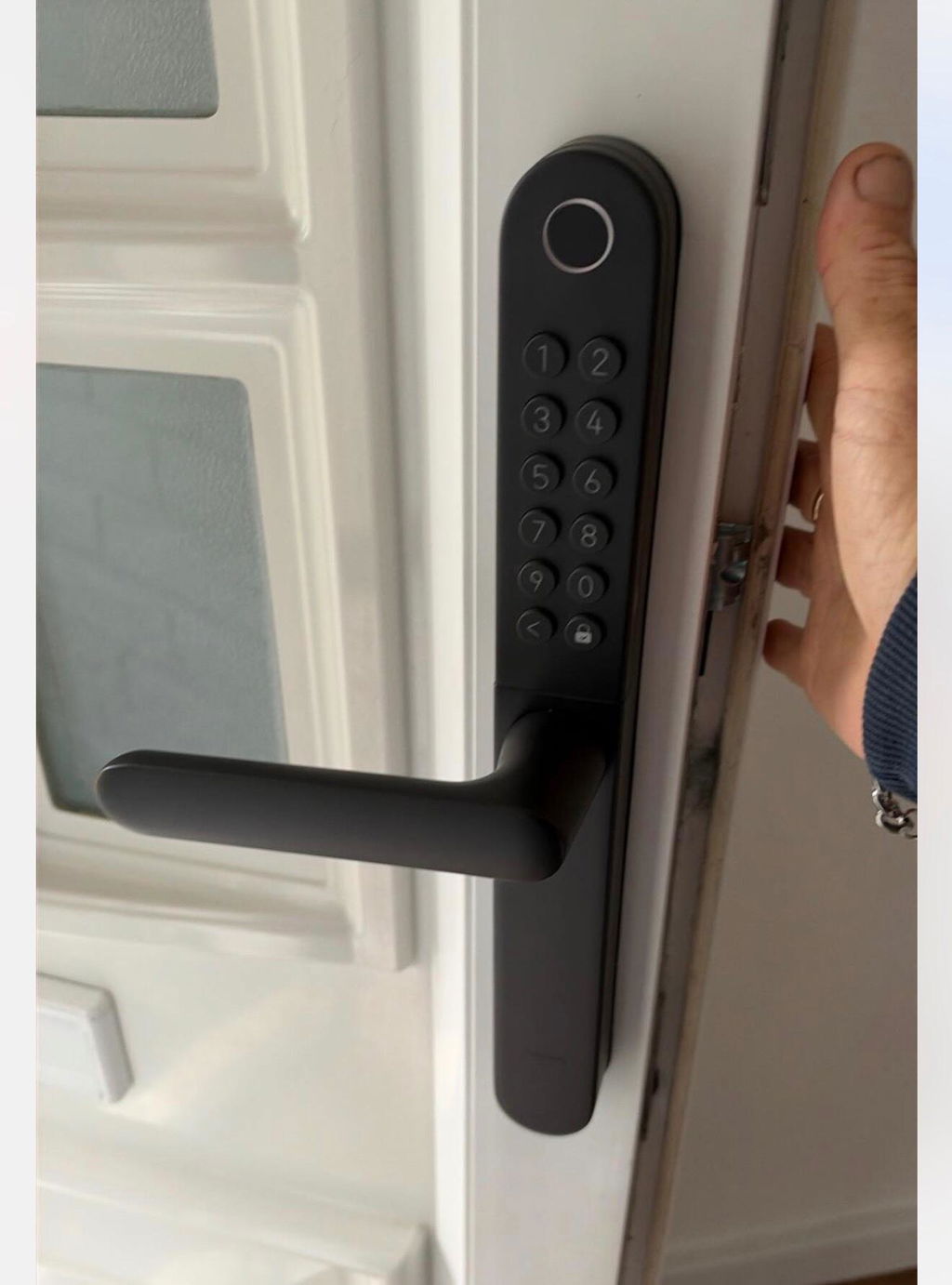
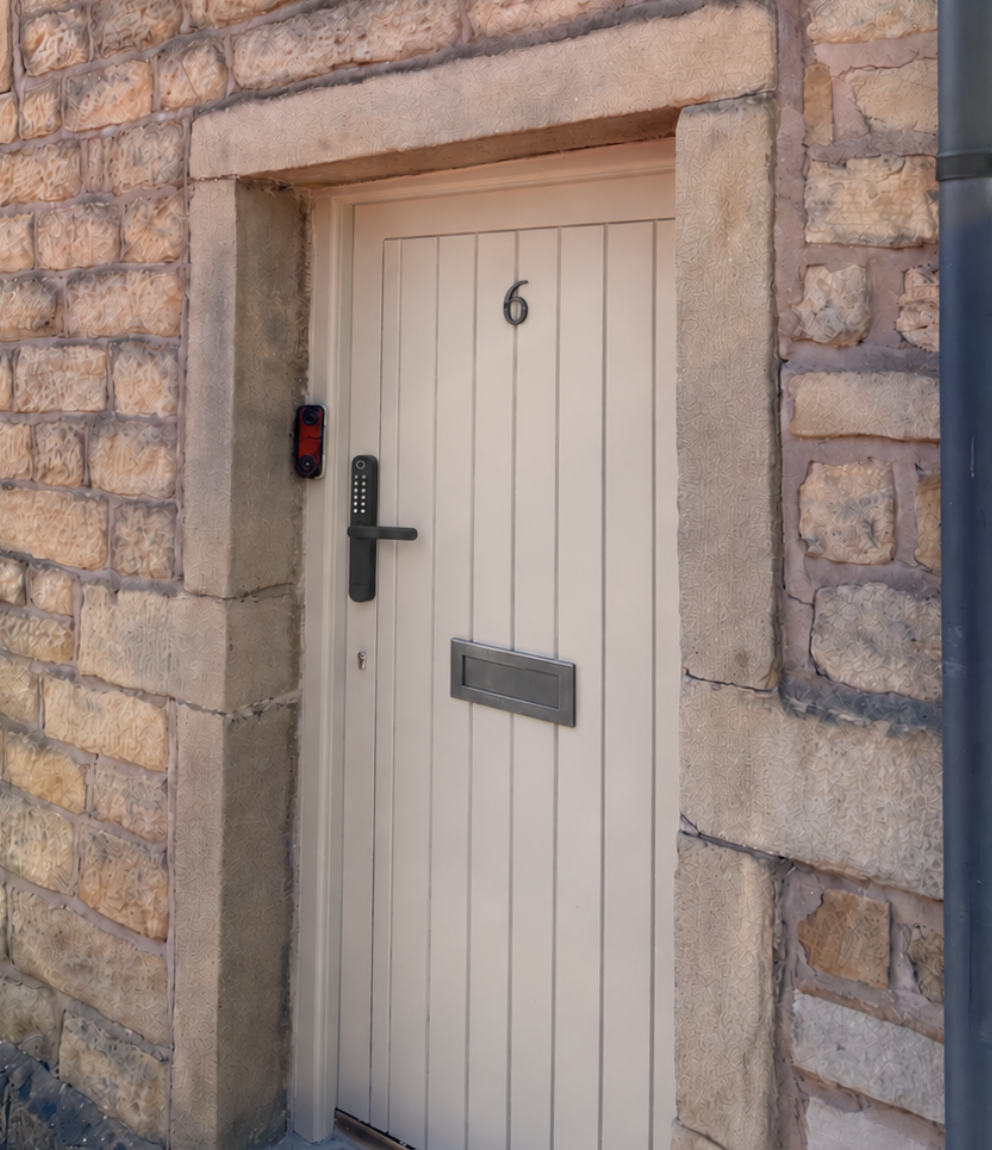
Front Door Security
See who’s there, secure every way in, and let your home respond to every arrival.




Fast Shipping
30-Day Money-Back Guarantee
Hassle-Free Warranty
Lifetime Customer Support
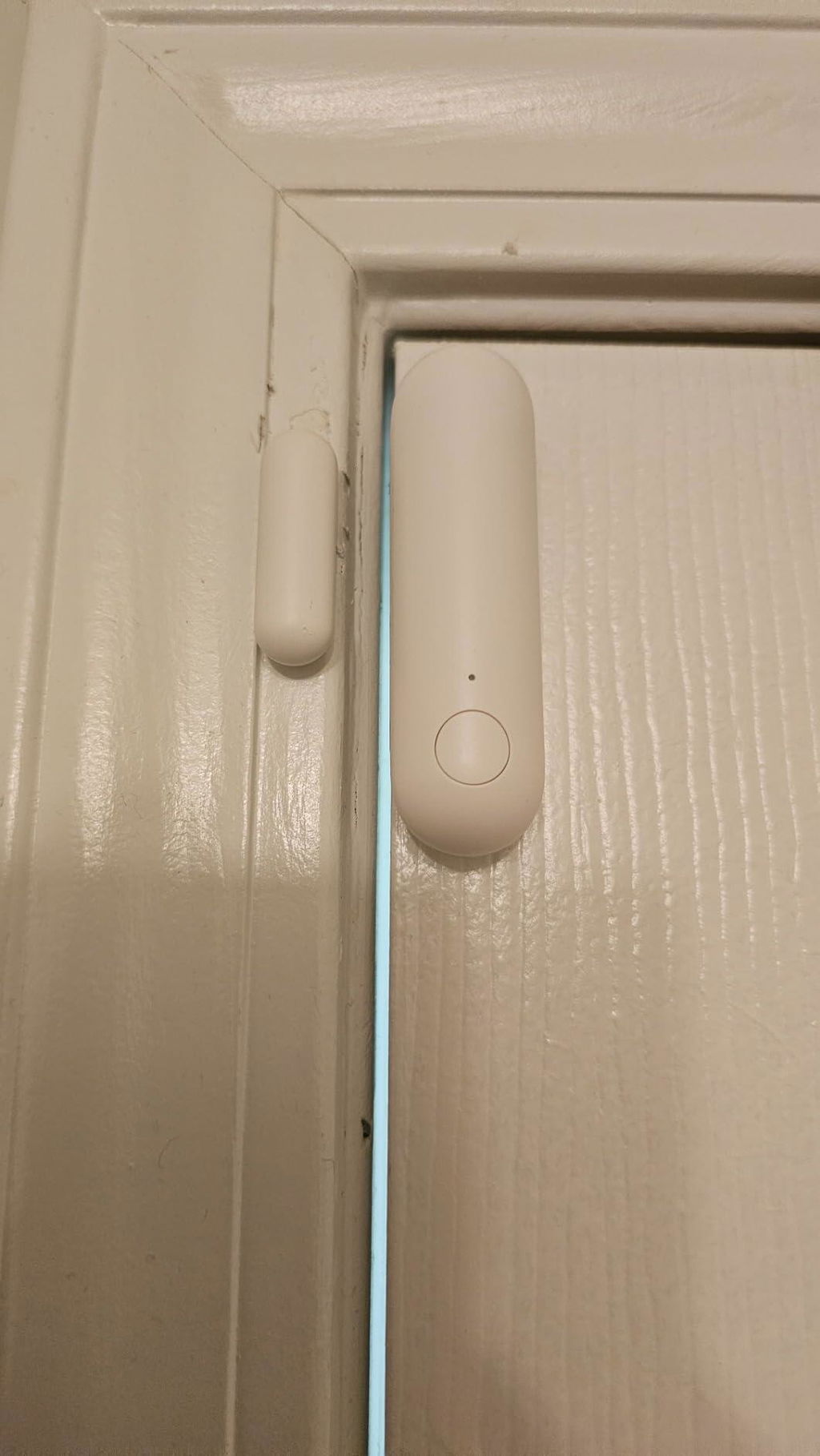
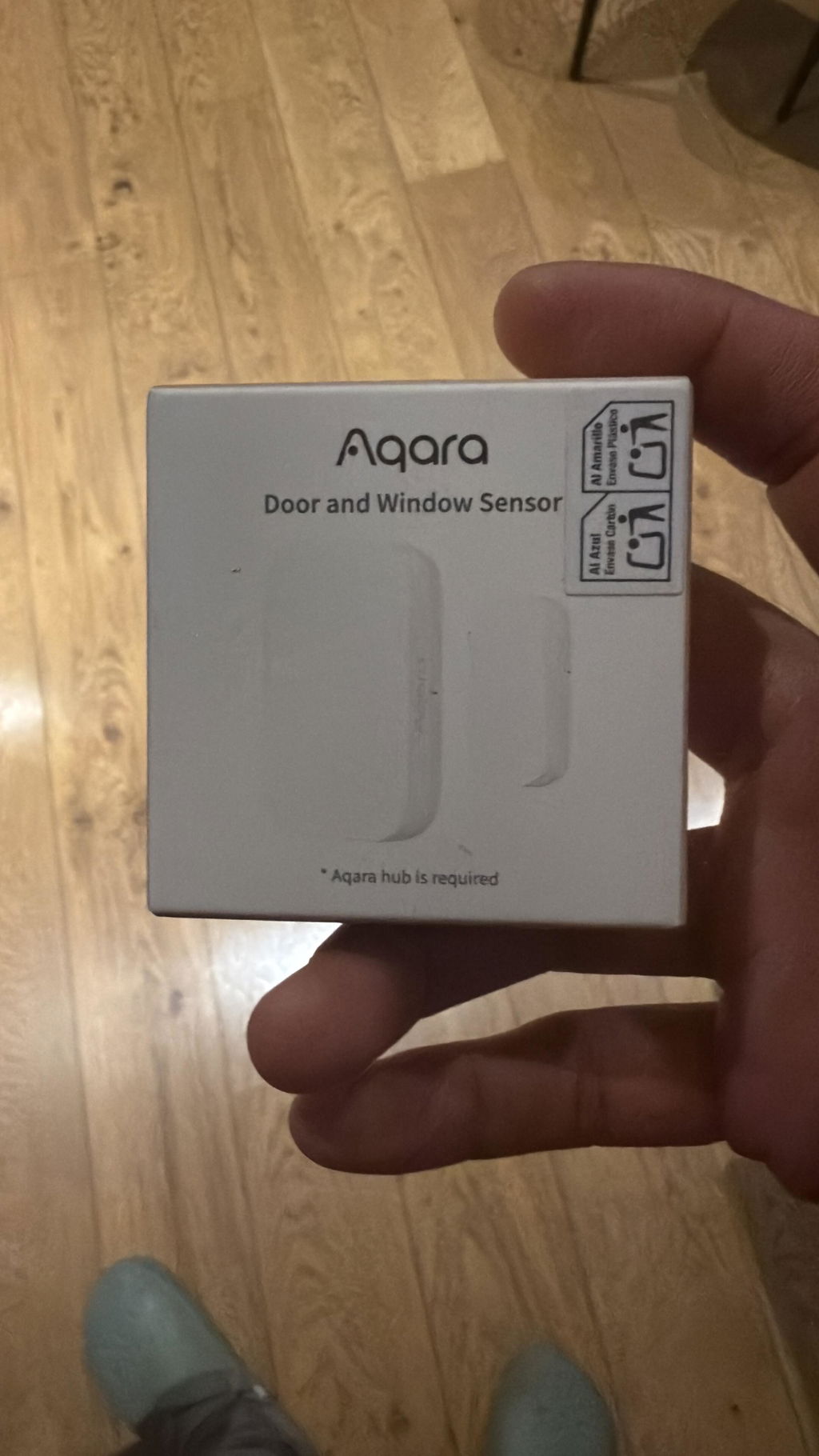
Door and Window Sensor P2
$34.99
Earn points with this purchase
Incorporated these into my Home assistant setup. They work very local with a skyconnect thread border dongle.
This thing works flawlessly since I got it setup to detect whether my fridge is closed or not. Added it to HomeKit and it works with all my automatons and hasn't failed yet. My one issue is the battery side is rather large and like many of these things can be tricky to align just right depending on the door you put it on
Aqara makes some of the best smart home technology you can buy, and these are so far the best door/window sensors I've purchased. I really like that it is built with Matter; it works with Apple's HomeKit right out of the box and also paired easily with Home Assistant. No hub needed. If you're very familiar with either of those smart home systems, you know how frustrating it can be if you ever experience an internet outage... waiting for all of your devices to come back online, sometimes needing to be repaired. I have never experienced this issue with these Aqara sensors. They come back online ASAP and I have never had to re-pair them.
This work great.
I love that this is thread connected and NOT on WIFI. Easy to install.
These are awesome, and fast responding with notifications! We got these, so the lights would turn off automatically when our boys shut their bedroom doors at night. But also, when they open their doors at night to go to the restroom the light turns on at 50%. Also, we can tell when they sneak one of their doors open because the lights come on quickly. It just took a couple minutes for my husband to install and I absolutely love having these!
Works well. Setup was pretty easy.
These are wonderful, but you have to do a few things if you're having issues. I tried connecting one and it was not working at all. So I tried to set up another and the same thing happened.Since both were not working I figured it was something with my network. Turns out my mesh router (Google Nest Wifi Pro) was conflicting with my router (whatever ATT gave me). The ATT router had its WiFi signals enabled for 2.4Ghz and 5Ghz so when the set up was happening, it was picking up both WiFi connections from my phone. I disabled the signals from the ATT router, and they still weren't working, but I wanted to try a third just in case, and it magically connected easily.Since that started working, I wanted to troubleshoot the other two that were still having issues. I figured hat during the setup, the devices remembered the settings so I needed a way to reset them and start fresh. I saw a video from their YouTube account that you can factory reset if you press the button 10 times.Once I did that, both connected easily.I bought 13 of these and never had an issue setting up the other 11 after the network issue / factory reset took place. They are easy to set up and don't get in the way.Finally I used the extra magnets that came with each device on my fridge, lol.
These aqara door sensors are mostly good. The adhesive is excellent and stuck onto the doorframe/door that I put them on. Unfortunately, I had to position them a little strange because aqara's design of the "main" sensor was a long sensor that's pretty deep. you may have trouble fitting these in tight spaces so make sure to measure before you buy. While the thread connection has also been mainly good, I've suffered one issue where it showed up as unresponsive. Aqara gives limited instruction on how to deal with this and there are limited ways to deal with this problem with a device this small and which only has a single button. While it works though, it's an excellent door sensor with fast response times and connectivity through Thread. And that makes this a great value for the price point it's at.
I love the Aqara P2 Door Sensors. They've given me peace of mind that my home is safe when I'm on the go!
It's quite small compared to the other sensors I've been looking for, and the adhesive is quite strong, so plan ahead before removing the adhesive tape.
I'm glad that the team at Aqara updated the Aqara Home app so that these sensors can be used as an alarm trigger device with the M3 hub. Thanks for prioritizing my feedback and improving the software!
This product does exactly what it says it does, and it says it needs a Thread Border Router. If you don't know what that is, don't buy the product. I was hesitant to get this as it had a high return rate, however, I think that is from people who don't understand Matter / Thread. This works great with my Nest Hub Max as the Thread Border Router, and I've used Google Home to add an automation where all my Google devices verbally announce every time the door is open / closed that this unit is attached to. Essentially, a do-it-yourself home security setup. I plan to buy more for my other doors, once I get around to it.
This works great with my Nest Hub Max as the Thread Border Router, and I've used Google Home to add an automation where all my Google devices verbally announce every time the door is open / closed that this unit is attached to. Essentially, a do-it-yourself home security setup. I plan to buy more for my other doors, once I get around to it.
Helpful
Easy to connect, works great.
Woke up one night with my 8' python slithering across my bed. I had accidentally left her door cracked. I ordered this the very next day. I have it rigged to flash the room light when the door is open. There will be no more accidentally leaving the door open. I've been instructed, by the missus, this is in my best interest!
It connects easily with smartthings an Google Home via Matter. Good product and less expensive than other sensors of this type.
Paired easy to my Nest Hub thread border router. Does what it says, works as advertised , slightly on the pricey side IMO.
I ordered 6 aqara door sensors after hearing a lot of good things about aqara in general. These sensors use the Matter protocol which requires a Matter hub. For me, my options are Google Nest Hub v2, Hubitat Elevate C8, and Samsung Smartthings. All 3 have Matter and can act as hubs. Some, better than others.Quality-wise, these sensors could be better. Of the initial 6 sensors, 5 setup flawlessly, and 1 refused to pair. I sent it back for a replacement. Another sensor decided to go rogue in it's first 24 hours. It would disappear and reappear on the network. It isn't far from the hub, and after the first 24 hours it stopped its weird behavior and worked correctly. One sensor I tried moving from Google Nest Hub to Hubitat, big mistake. First, I couldn't get the Hubitat to pair with the sensor. For some reason, it could never find it. Then when trying to re-pair it to Google, it would fail. After much screaming, crying, begging and pleading I managed to connect that sensor through Smartthings.What I learned is the provided directions are worthless. Pressing the sensor button a few times and then holding it for about 5 seconds will enter pairing mode. The sensor will respond with a slow flash blue light. If it doesn't pair, press and hold another 5 seconds and the sensor will flash red. I am guessing that is factory reset even though it is undocumented. Then press for 5 more seconds to get to the slow blue flash to try pairing. If that fails, move the sensor next to the Matter hub. Try pairing. If that fails, reboot the hub. I had a problem pairing the replacement sensor that rebooting the Google Nest Max Hub fixed. If that fails, try a different hub, like Smartthings. I hope this helps some of you having pairing issues.Update: For those having trouble getting the P2 contact sensor on Hubitat, here's how to do it with the Google Nest Hub or Max. 1. Factory reset the P2 sensor. 2. Pair it to your Google Nest Hub or Max. 3. Immediately (do not wait), open the sensor on the Google Home app and click the gear icon. 4. Click Linked Matter apps & services. 5. Click Link apps & services. 6. Click Use pairing code. 7. You have 3 minutes to open your Hubitat app, go to Devices, Add a device. 7a. Click Matter. 7b. Enter that code in the Matter setup code box. If you were fast enough it should get recognized by your Hubitat. Good luck!
I have 2 so far as I replace my Ring sensors that are dying. In performance metrics they seem to perform better than most! And it's a fairly easy sensor to setup but I found it EXTRA amazing that they provided a magnetic square for odd setups.My doors are all recessed (they aren't flush with the frame on the inside) so I can't just put the standard sensor on the door and the other part on the frame. I need a magnetic bar slim enough.My only qualm is that the magnetic bar doesn't have adhesive on the back, but I glued it to my frame. If you have my situation, learn the distance necessary to recognize the door is closed and then put the small magnetic bar on first (this is the silver/chrome piece, not the white plastic bar with it's own magnet in it.) And then put the door sensor piece on the door itself.
Excellent in all matters and HomeKit
I've had two sensors installed for about two week now, using a Nest Wifi Pro 6E router. They have reliably worked without any down time. There is a slight delay/lag between the door opening and the announcement via Google Home, but that seems to be consistent with all sensors.
This sensor supports matter and thread for smart home setups. Just scan the code and add it to your smart home app with ease.
door/window sensor was quickly and painlessly added to homekit
This is a pretty good product! I pull it out of the box. Set up a new device in google home. Scan the QR code. Wait a minute for google to finish the set up. Stick it where it needs to be stuck. Reapply it with some duck tape after the sensor fell off a few minutes after I set it. Yeah, the adhesion is great... after the glue has had time to set properly.